


![[Class-3] Foundations: Think Like a Computer](https://vilab.co.in/assets/panelImagesUpload/Courses/CT Course.png) Beginner
Beginner
[Class-3] Foundations: Think Like a Computer
Bestseller
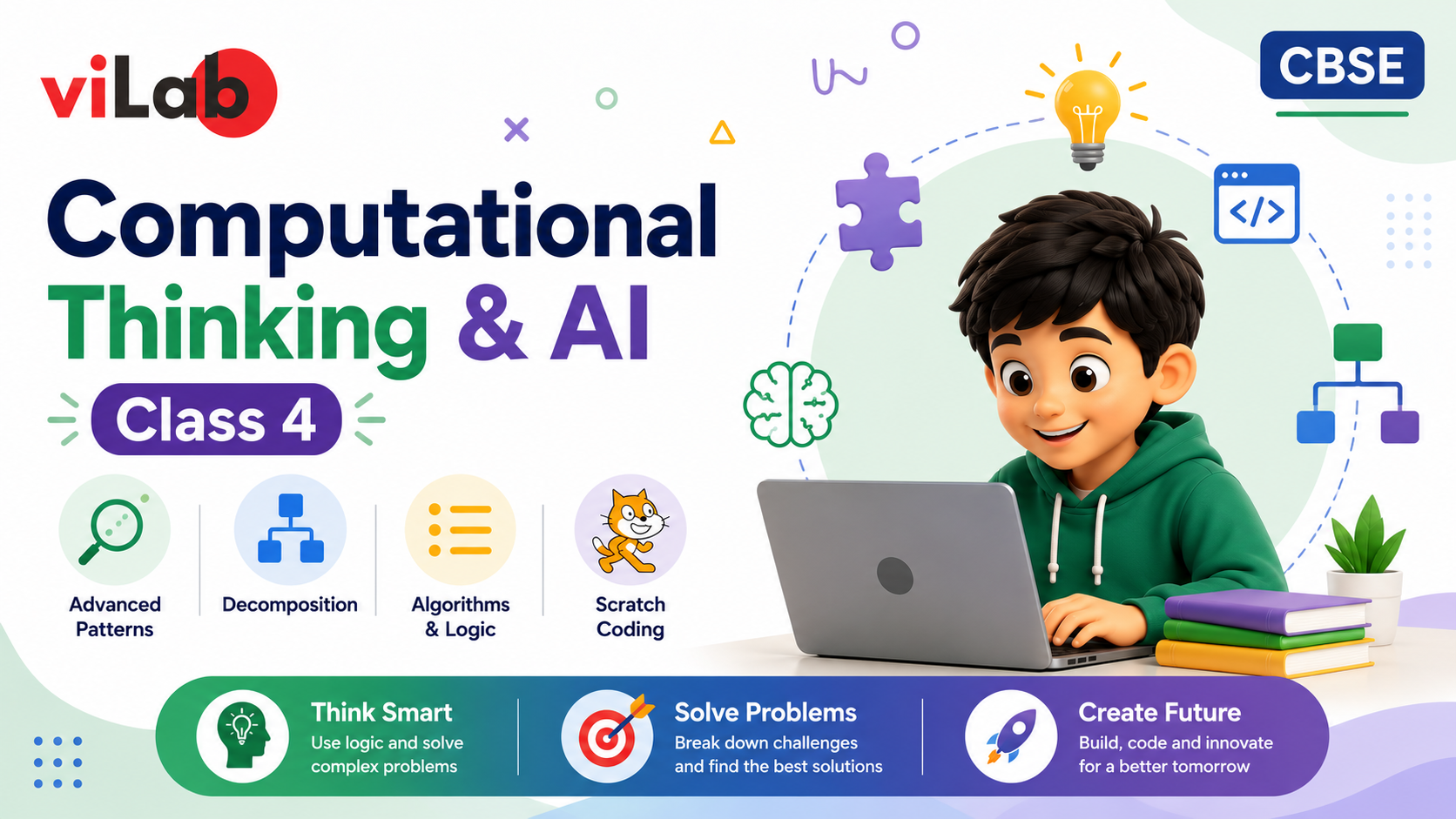
Technology is changing the way we learn, work, and solve problems. This CBSE-aligned Class 4 course helps students strengthen their Computational Thinking skills while taking their first exciting steps into the world of Artificial Intelligence (AI). Through fun activities, logical challenges, and beginner-friendly AI concepts, students develop the confidence to think creatively and solve real-world problems.
What You Get From This Course
This course combines Computational Thinking with an engaging introduction to Artificial Intelligence, helping students understand how computers think and how AI is becoming a part of everyday life. You'll explore:
Learning Outcomes
By the end of this course, students will be able to:
Tools & Skills Covered
What Makes This Course Special?
By completing this course, students will gain a strong understanding of Computational Thinking and the fundamentals of Artificial Intelligence. They will be equipped with the logical, creative, and problem-solving skills needed to confidently explore Coding, AI, Robotics, and future STEM learning. Let's inspire young minds to think smarter, create confidently, and innovate for tomorrow!
Revisiting Computational Thinking Foundations and Advanced Pattern Challenges
Identifying Multi-Change Patterns in Numbers and Shapes
Solving Complex Letter Sequences and Mixed Pattern Problems
Pattern Detective Project: Design and Challenge Your Own Pattern Puzzle
Breaking Numbers into Place Values Through Step-by-Step Reasoning
Exploring Three-Dimensional Objects Through Part-Based Analysis
Solving Multi-Step Money and Quantity Problems
School Store Challenge Project: Solve Real-Life Money Problems Using Decomposition
Organising Information Using Logical Clues and Attributes
Understanding Number Sequences with Multiple Rules
Grid Navigation and Route Planning with Obstacles
Treasure Map Navigation Project: Create and Test Your Own Algorithmic Route
Exploring Mirror Images and Reflection Patterns
Understanding 3D Views, Cuts, and Rotations
Discovering Symmetry in Objects, Letters, and Nature
Mirror Art and Symmetry Gallery Project
File Management and Digital Organisation Skills
Internet Safety and Responsible Online Behaviour
Digital Citizen Campaign Project: Create an Online Safety Poster or Presentation
Introduction to Scratch and Interactive Programming
Creating Event-Based Animations in Scratch
Using Loops and Repetition to Build Interactive Projects
Scratch Interactive Story or Quiz Project
Applying Computational Thinking to Mathematics Challenges
Solving Measurement, Fractions, and Geometry-Based CT Problems
Exploring Food Webs, Habitats, and Seasons Through CT Activities
Flowchart and Debugging Challenge Project
Computational Thinking Assessment and Portfolio Development
School Problem Solver Project: Identify a School Problem and Design a Solution
Innovation Showcase, Project Presentation and Certification Ceremony
Your feedback matters! Share your learning experience to help other students choose their path and improve our community.
Have a question before you buy? Ask anything about the course and our team or community will reply directly in the thread below.
Please login as a student to ask questions, read threads, and join the discussion about this course.
Everything you need to know about this course

A computer helps you learn, create, and practice effectively.

A stable internet connection is required for online classes and learning activities.

A personal computer is essential for hands-on practice and project work.

A web browser like Chrome or Firefox is needed to open learning websites and access course content online.
A structured path designed to take you from basics to mastery with clarity, confidence, and real-world impact.
Start with fundamental concepts and build a strong foundation.
Expand your knowledge and start building practical projects.
Dive deeper into specialized areas and master complex techniques.
Achieve expert-level proficiency and innovate with your skills.
Empower your child with computational thinking, logical reasoning, coding fundamentals, and an exciting introduction to Artificial Intelligence. Through interactive activities, games, and STEM projects, students develop creativity, confidence, and real-world problem-solving skills—all aligned with the CBSE curriculum.
Discover more similar content to expand your knowledge and sharpen your skills.
Beginner
![[Class-5] Advanced Thinking: CT & Intro to Data](https://vilab.co.in/assets/panelImagesUpload/Courses/ChatGPT Image Jun 13, 2026, 10_38_21 AM.png) Intermediate
Intermediate
![[Class 6] Computational Thinking & AI](https://vilab.co.in/assets/panelImagesUpload/Courses/ChatGPT Image Jun 13, 2026, 03_43_00 PM.png) Intermediate
Intermediate
![[Class 8] AI Practitioner: Build, Evaluate and Innovate Responsibly](https://vilab.co.in/assets/panelImagesUpload/Courses/Class 8.jpeg) Intermediate
Intermediate
![[Class-7] Computational Thinking & AI](https://vilab.co.in/assets/panelImagesUpload/Courses/new course ct.png) Intermediate
Intermediate
Build on your Computational Thinking and AI skills with our Class 5 program. Explore advanced problem-solving, algorithms, data handling, logical reasoning, coding activities, and exciting STEM projects designed to strengthen analytical thinking and prepare students for future technologies.

Explore the most popular programs across diverse fields and start your skill-building journey today!
 Trending
Beginner
Trending
Beginner
![My Money My Future - Financial Literacy [For Classes 6-8]](https://vilab.co.in/assets/panelImagesUpload/Courses/Thumbnail.png) Trending
Beginner
Trending
Beginner
 Trending
Beginner
Trending
Beginner
 Trending
Beginner
Trending
Beginner
A clear, step-by-step milestone path to take you from the basics to building real-world AI solutions.
Students begin by revisiting key computational thinking concepts and tackling more challenging pattern recognition activities. They learn to observe carefully, identify multiple changes, and think logically to solve problems.
Learners explore number, shape, and letter patterns with increasing complexity. Through exciting challenges and detective-style activities, they develop stronger reasoning and analytical thinking skills.
Students learn decomposition techniques using place values, 3D objects, money puzzles, and real-world situations. They discover how large problems become easier when divided into manageable steps.
Through sequences, grid navigation, flowcharts, and problem-solving activities, learners practice designing clear instructions and efficient solutions just like programmers and engineers.
Students develop digital literacy, internet safety awareness, and Scratch programming skills. They create animations, stories, quizzes, and interactive projects using coding blocks and logical thinking.
The journey concludes with project-based learning, portfolio creation, and innovation challenges where students apply computational thinking skills to solve problems, showcase projects, and present their ideas with confidence.
Check out our best products made to make learning fun, easy and super exciting for everyone.
Everything you need to know about [Class 4] Computational Thinking and AI
The Class 4 Computational Thinking & AI course builds on the foundational concepts learned in Class 3 and introduces students to more advanced problem-solving and coding skills. Learners explore logical reasoning, algorithmic thinking, decomposition, pattern recognition, and Scratch programming through fun activities, interactive challenges, and creative projects. The course helps students develop the confidence to think systematically and design solutions to real-world problems.
Classes are conducted through engaging, hands-on learning experiences that combine puzzles, coding activities, visual thinking exercises, group discussions, and project-based challenges. Students use Scratch programming, flowcharts, and problem-solving tasks to strengthen their computational thinking and creativity while learning in a fun and supportive environment.
This course focuses on developing strong thinking and problem-solving skills alongside coding. Students learn how to break down complex problems, design algorithms, debug solutions, recognize patterns, and apply computational thinking across subjects such as Mathematics and The World Around Us (TWAU). In addition to Scratch programming, the course emphasizes logical reasoning, digital literacy, online safety, and creative innovation, making it a comprehensive future-ready learning experience.
Yes. Students who successfully complete the course and participate in the required projects and activities will receive a Certificate of Completion recognizing their achievement in Computational Thinking, Coding, and Digital Literacy.
Our academic counselors are available 24/7 to help you choose the right path for your career goals.
Your information is 100% secure with us.