





.png) Beginner
Beginner
Coding, AI and Robotics For Class 2
Bestseller
.png)
From young Tinkerers to Future Tech Creators !
The STEM & Robotics Level 05 course is designed for Class 5 students to blend Science, Technology, Engineering, and Mathematics (STEM) with 21st-century tech skills. Through hands-on projects, virtual simulations, and coding, learners explore electronics, robotics, mechanics, AI, and even app development.
Aligned with CBSE and ICSE curricula, this program gives students practical exposure to real-world technologies—like designing circuits in TinkerCAD, programming robots with Pictoblox, experimenting with sensors, and even writing simple apps using App Lab and Python.
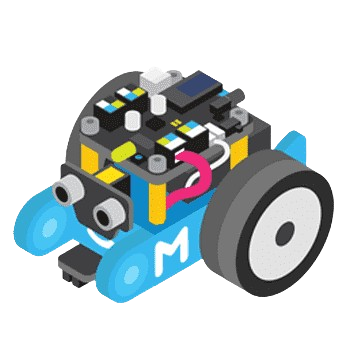
By the end of the course, students not only understand how machines and robots work but also gain the confidence to design, code, and innovate—skills that prepare them for the future. The journey culminates in a Capstone Project: Building an Obstacle Avoiding Robot.
🔹 Basics of Electronics – Measure battery voltage, calculate resistance with color codes, and apply Ohm’s Law.
🔹 Fun with Robotics – Discover how robots move and their real-world applications.
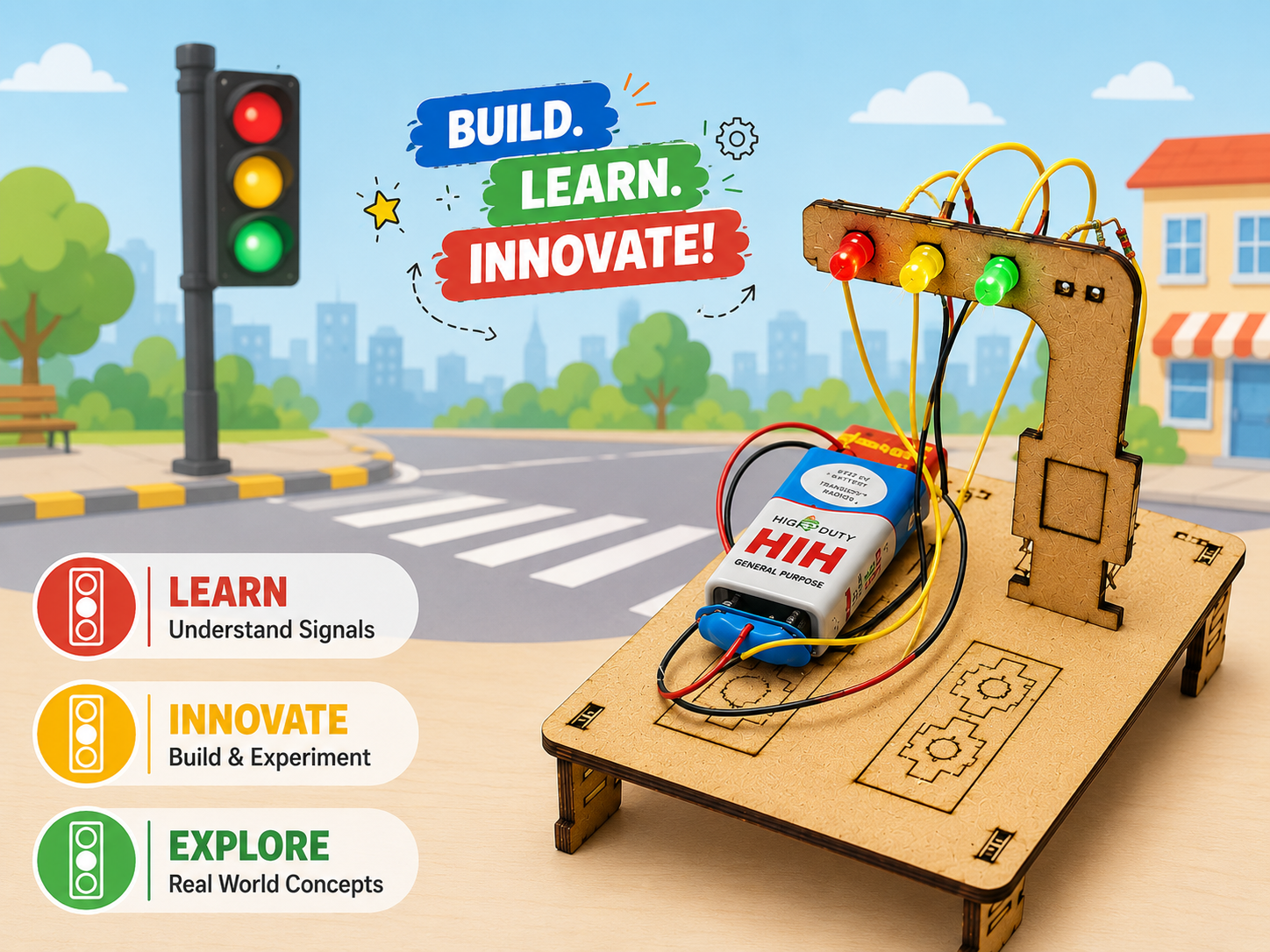
🔹 Virtual Circuit Design with TinkerCAD – Design circuits and create a traffic light controller virtually.
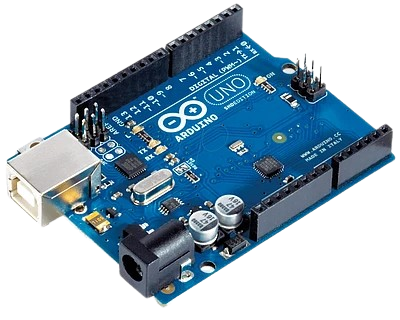
🔹 Programming with Pictoblox – Code an Arduino UNO for LED animations and basic robotics.
🔹 Sensors in Robotics – Explore IR, ultrasonic, and touch sensors; build projects like parking assistance systems and automatic doors.
🔹 Artificial Intelligence – Understand the basics of AI, speech recognition, and its applications.
🔹 Mechanics & Engineering – Build models of a hydraulic arm, hydraulic bridge, and pulley system.
🔹 Coding & App Development – Introduction to App Lab and Python; write programs to print text and perform calculations.
🔹 Capstone Project – Design and build an Obstacle Avoiding Robot.
✅ Tailored for Class 5 students, aligned with CBSE & ICSE
✅ Combines hands-on robotics with virtual circuit design
✅ Covers electronics, mechanics, AI, coding, and app development
✅ Step-by-step projects with real-world applications
✅ Includes Capstone Project: Obstacle Avoiding Robot
✅ FREE Robotics Kit + Activity Book included
👉 More than a course—it’s the launchpad to your child’s journey as a young innovator!
What is Electronic Circuits and Voltage ?
Lab Activity- Measuring the voltage of a battery
What is Current and Resistor ?
Lab Activity- Calculating the resistance of 5 unknown resistors using color code.
Understanding about Ohm's Law and Basics of LED
Lab Activity- Glowing an LED adding a resistor
Introduction to Robotics
How Robots Work and Application of Robots
How a Robots moves
Servo motor Control with Arduino
Lab Activity- Interfacing a DC Motor with Arduino
Lab Activity- Interfacing a Servo Motor with Arduino
Lab Activity- Making Gripper Arm of a Robot
Understanding Virtual Circuit Design
TinkerCAD Tools and Features
Lab Activity- Making a Simple Circuit on TinkerCAD
Lab Activity- Making a Traffic Light Controller
Introduction to Pictoblox Interface
Block Palettes in PictoBlox
Interfacing Arduino UNO to PictoBlox
Lab Activity- Pictoblox Code for Blinking LED
Lab Activity- Creating LED Animation Pattern with Pictoblox
Infrared Sensor (IR) : Working Principle and Applications
Lab Activity- Interfacing IR Sensor with Arduino Uno and Pictoblox
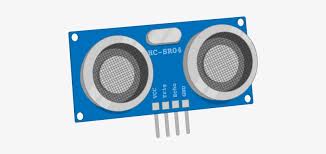
Ultrasonic Sensor: Working Principle and Applications
Lab Activity- Interfacing Ultrasonic Sensor with Arduino UNO and Pictoblox
Touch Sensor: Working Principle and Applications
Lab Activity- Interfacing Touch Sensor with Arduino UNO and Pictoblox
Lab Activity- Parking Assistance System
Lab Activity- Automatic Door Sytem
AI Basics and it's Applications
Understanding How Speech Recognition Works
Accessing Speech Recognition in Block Coding
Lab Activity- Home Automation- Light Control using Speech Recognition
Lab Activity- Defintion with ChatGPT
Lab Activity- CruzSafety- An Online Driver Assistance App
Hydraulic Arm: Principles of Hydraulic Systems
Force and Pulley (Elevator): Understanding pulleys and their applications
Lab Activity- Build a simple Hydraulic arm model.
Lab Activity- Create a model of pulleys system
Lab Activity- Design and construct a hydraulic bridge
Overview of App Lab and it's Purpose
Lab Activity- Make a Calculator App
Introduction to Python and it's uses
Installation of Python in Computer
Lab Activity- Write a program to print "Hello World"
Lab Activity- Write a program to print " sum of two numbers"
Your feedback matters! Share your learning experience to help other students choose their path and improve our community.
Have a question before you buy? Ask anything about the course and our team or community will reply directly in the thread below.
Please login as a student to ask questions, read threads, and join the discussion about this course.
Everything you need to know about this course

A personal computer is essential for hands-on practice and project work.

Basic understanding of English is required, as the course content and instructions are primarily in English

Basic understanding of English is required, as the course content and instructions are primarily in English
A structured path designed to take you from basics to mastery with clarity, confidence, and real-world impact.
Start with fundamental concepts and build a strong foundation.
Expand your knowledge and start building practical projects.
Dive deeper into specialized areas and master complex techniques.
Achieve expert-level proficiency and innovate with your skills.
Discover more similar content to expand your knowledge and sharpen your skills.
Beginner
 Beginner
.png) Intermediate
Intermediate
.png) Intermediate
Intermediate
.png) Intermediate
Intermediate
.png) Advanced
Advanced
.png) Beginner
Beginner
.png) Advanced
Advanced
 Trending
Beginner
Trending
Beginner
 Beginner
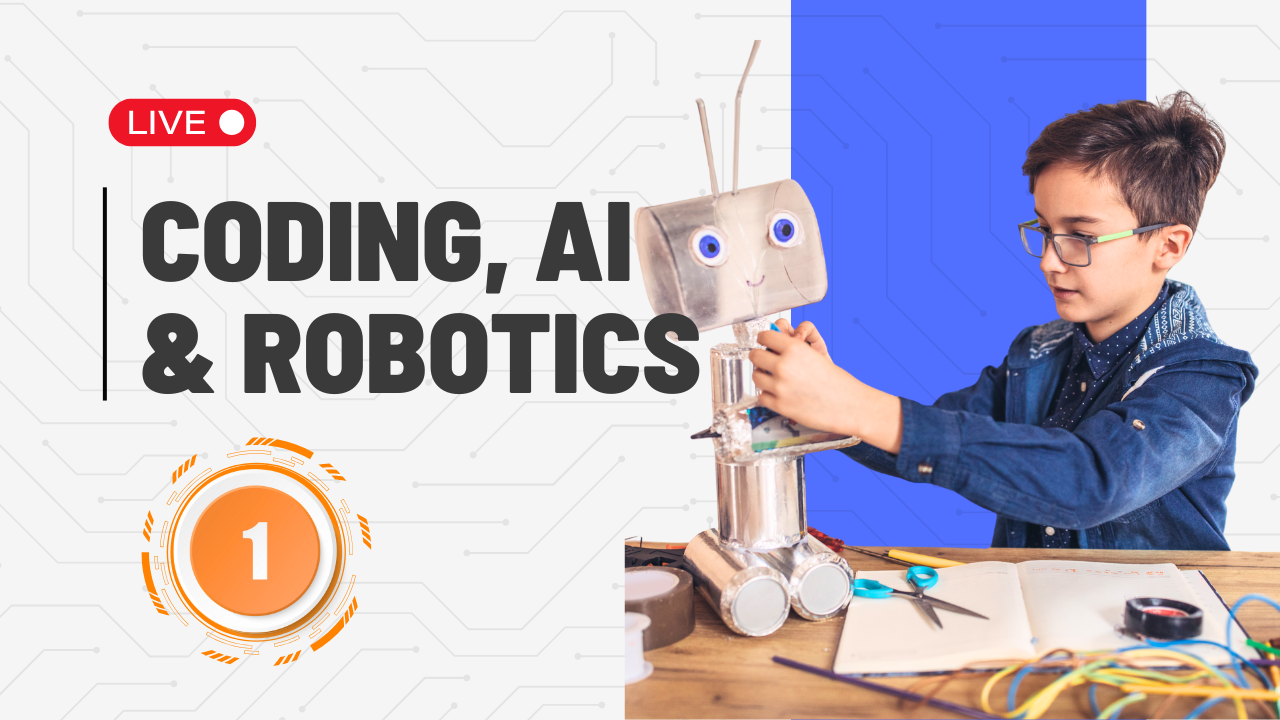
Lets dive deeper into the world of innovation with hands-on projects in Coding, AI, and Robotics
Join 50k+ engineers leveling up today.






Join 50k+ engineers leveling up today.
Explore the most popular programs across diverse fields and start your skill-building journey today!
 Trending
Beginner
Trending
Beginner
![My Money My Future - Financial Literacy [For Classes 6-8]](https://vilab.co.in/assets/panelImagesUpload/Courses/Thumbnail.png) Trending
Beginner
Trending
Beginner
 Trending
Beginner
Trending
Beginner
Trending
Beginner
Trending
Beginner
A clear, step-by-step milestone path to take you from the basics to building real-world AI solutions.
Revisit circuits, power systems, and components to ensure a strong base before tackling advanced builds.
Dive into motion, ultrasonic, and light sensors to make robots “see,” “feel,” and react smartly to their environment.
Use loops, conditions, and logical flows in block/text coding to give robots the ability to think and decide.
Construct advanced models such as smart vehicles, security bots, and automated systems that solve real-world problems.
Collaborate with peers on STEM challenges, applying creativity, problem-solving, and innovation to unique projects.
Present projects proudly, explain the design process, and earn the Level 05 Robotics Certificate as recognition of achievement.
Fun projects, smart robots, and challenges that spark curiosity every step of the way.

Get direct access to mentors who guide you through challenges and career decisions.
.png)
Gain practical skills by working on real projects that simulate actual engineering environments.

Gain practical skills, deep domain knowledge, and real-world experience through this structured module designed by industry experts.

Gain practical skills, deep domain knowledge, and real-world experience through this structured module designed by industry experts.

Gain practical skills, deep domain knowledge, and real-world experience through this structured module designed by industry experts.

Earn a recognized certification that validates your expertise and opens new career doors.
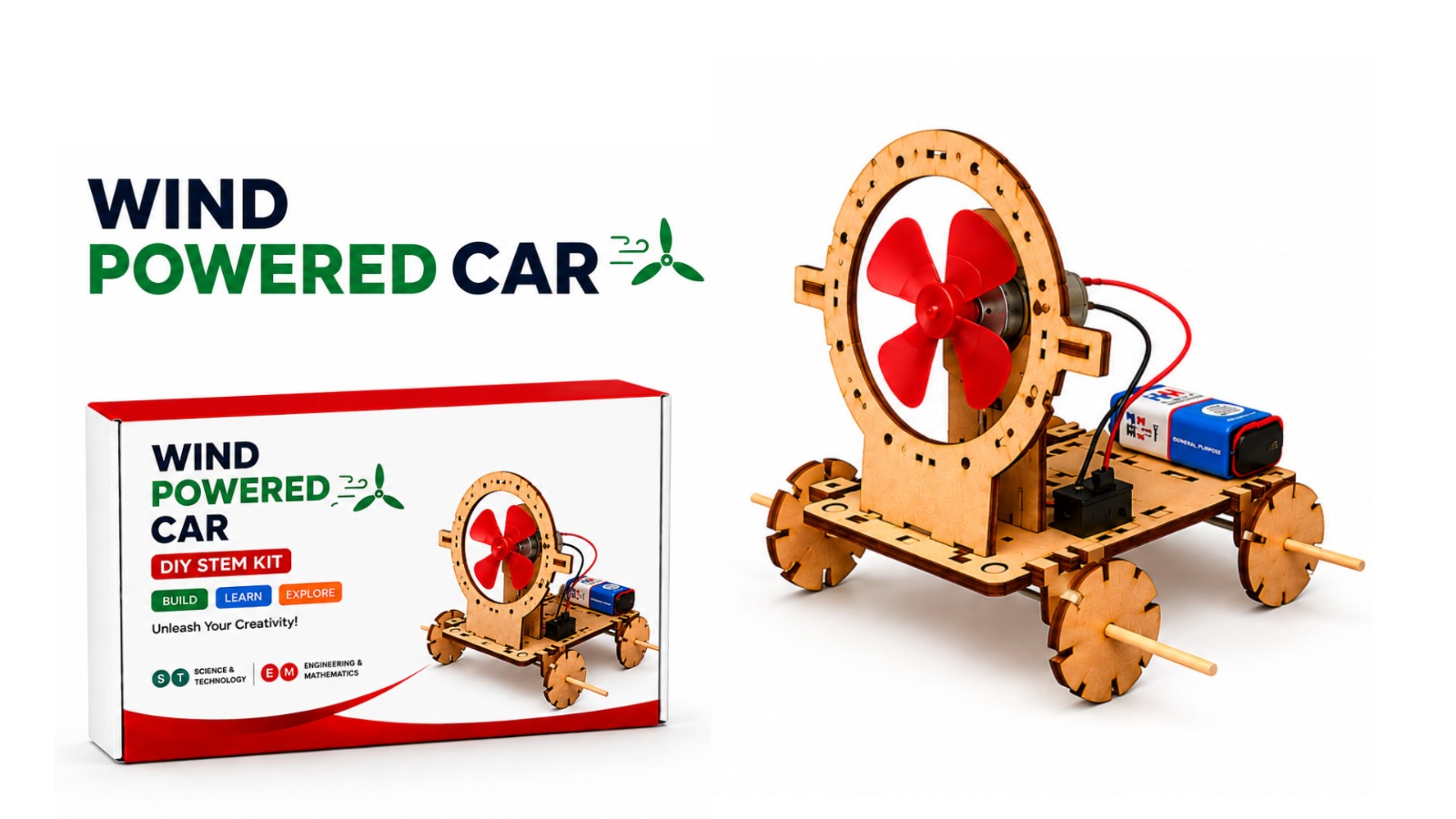
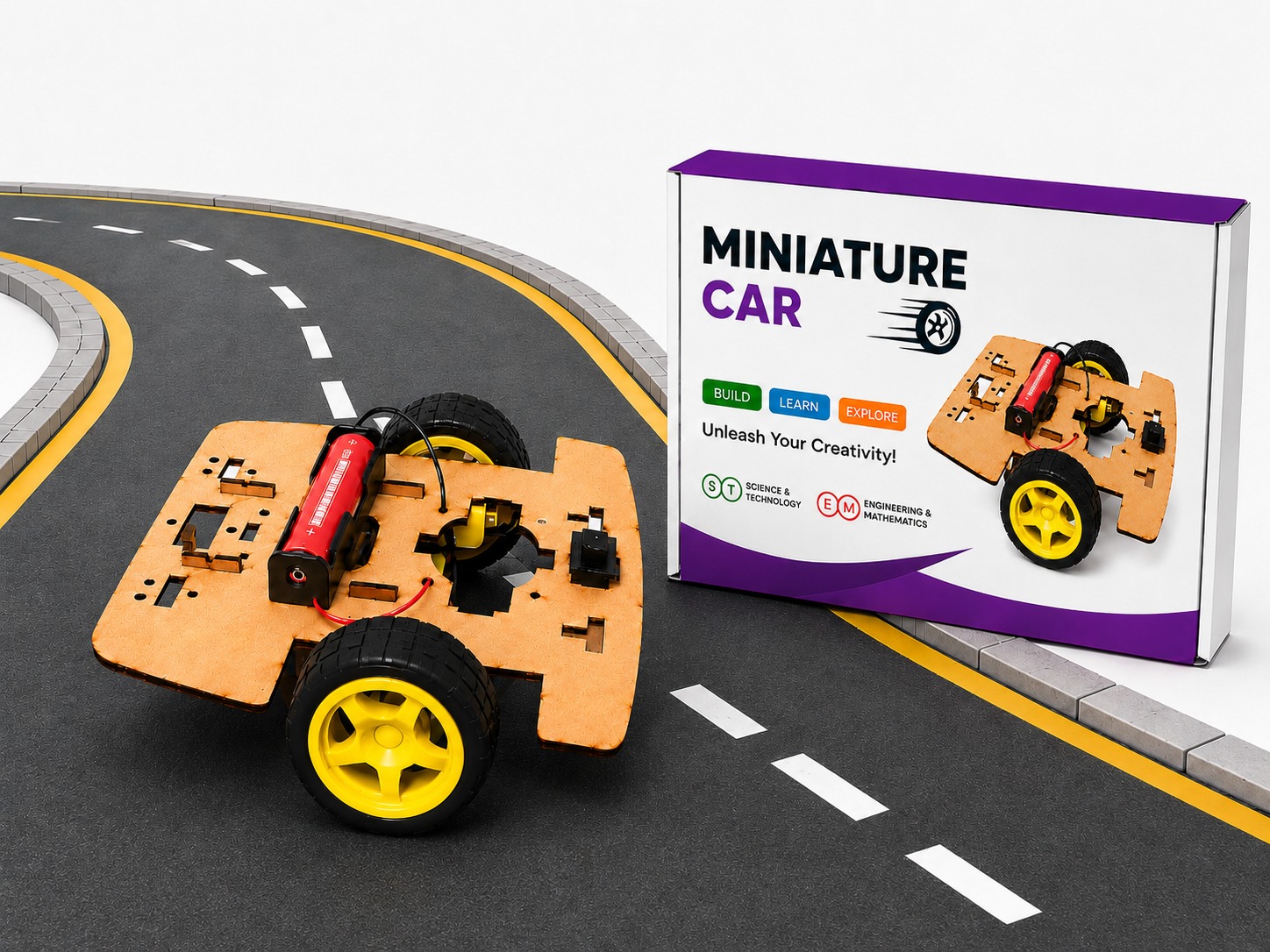
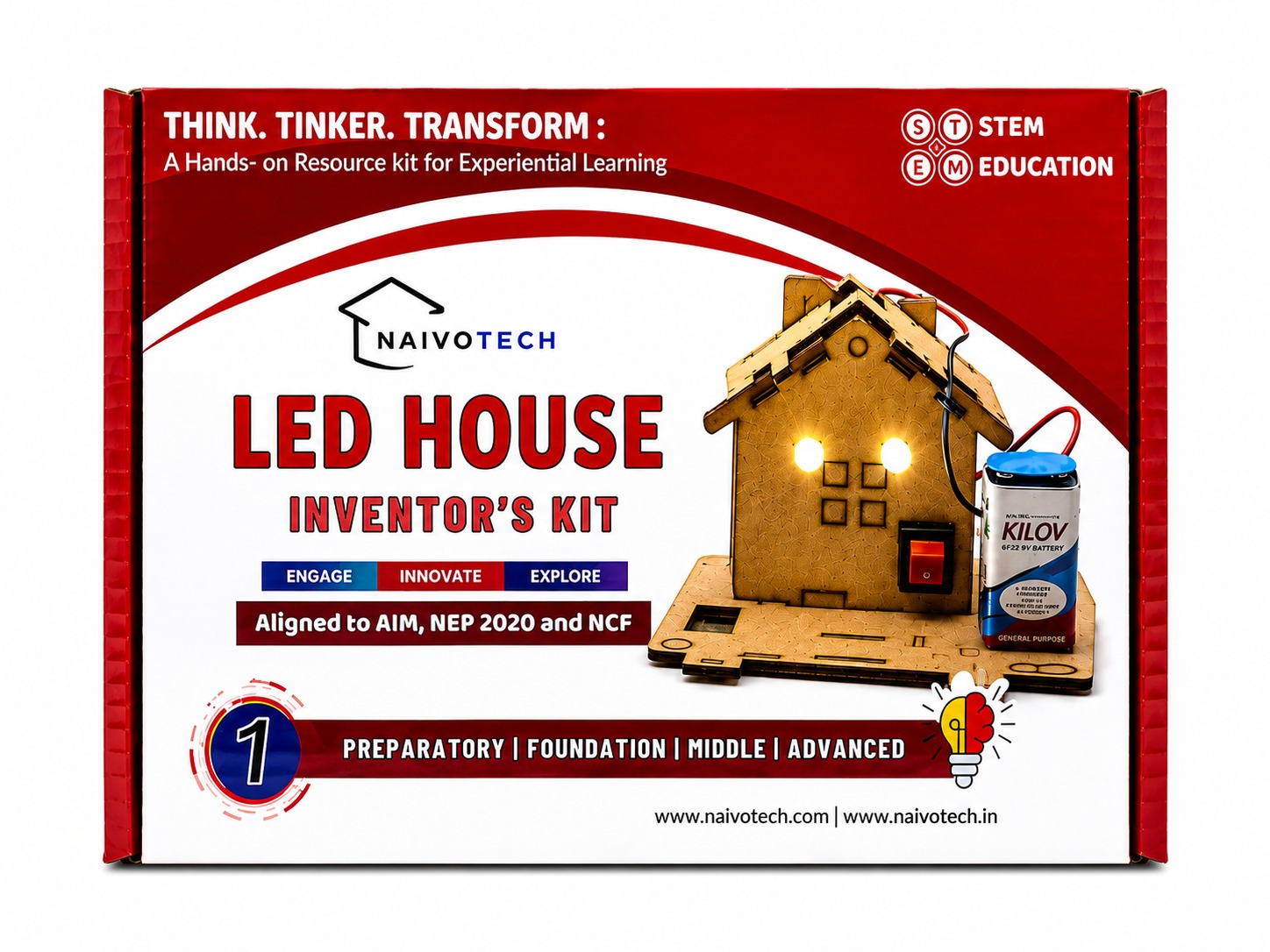
Check out our best products made to make learning fun, easy and super exciting for everyone.
Everything you need to know about Coding, AI and Robotics For Class 5
Most professional and certificate programs specify background expectations (e.g., education or work experience) on each course page; beginner tracks usually accept learners without prior domain experience, while advanced tracks recommend relevant exposure.
Program pages typically list a clear duration (weeks or months) and learning hours; many certificate programs are flexible and self paced with structured milestones or live components depending on the course.
The course includes both live and recorded sessions. Recorded lessons provide flexible, self-paced learning, while scheduled live classes enable real-time interaction, Q&A, and guided activities.
Refund and deferment terms are defined by the provider’s policy and timelines (e.g., requests before cohort start or via specified channels); always review the course’s policy page and cohort dates before enrolling.
Certificate programs generally issue a completion certificate upon successfully finishing all required modules and assessments; external “certifications” (industry exams) are distinct and may require separate testing with a third party body.
Our academic counselors are available 24/7 to help you choose the right path for your career goals.
Your information is 100% secure with us.