Trending

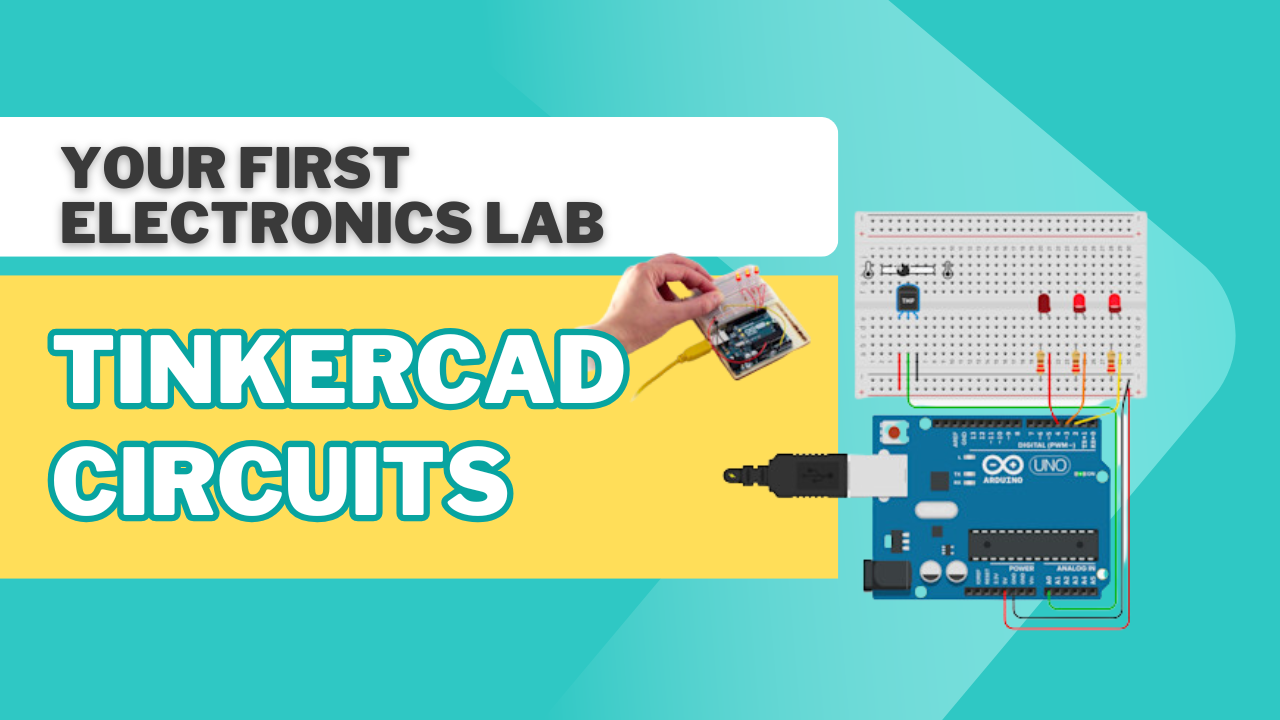
TinkerCad : Your Virtual Electronics Lab

Learn electronics and Arduino coding from scratch using free Tinkercad Circuits. This hands-on course for absolute beginners teaches you to build, code, and simulate virtual circuits in a safe online environment. No prior experience needed.

4.5/5 Rating
1000+ Students
Beginner Level
8 Classes 4 weeks
India
Available Coaching Centers:
No coaching centers found in this location. Please try another area.

For School

Get detailed information about our programs for your school.

Pre-Recorded

Get your self placed module for this course with 1-on-1 live mentorship!

Batch (Group Classes)

₹ 99 /class

Individual (1-ON-1 Classes)

₹ 149 /class

Book a Free Demo with Us!

to know more or enquire about the sessions

Personalized Guidance Expert Support
Course Description

This course is a hands-on introduction to the exciting world of electronics and microcontrollers using the free and intuitive TinkerCad platform. Designed for anyone with no prior experience, this course provides a safe and engaging environment to learn fundamental concepts.

The curriculum is structured to progressively build your skills from the ground up. You will start by understanding the basic components of a circuit and the virtual breadboard. We will then introduce the virtual Arduino board, your first microcontroller, and teach you how to write and upload code to control LEDs, buttons, and other components. 

By the end of this course, you will be able to:

  • Build and simulate electronic circuits virtually.
  • Write and upload code to control a microcontroller.
  • Integrate components like sensors, buttons, and motors.
  • Design and create your own functional projects from scratch.

Course Features:

  • Live, online sessions with an expert instructor.
  • Hands-on virtual labs and practical exercises.
  • Lifetime access to recorded sessions and materials.
  • Certificate of Completion.

Who is this course for?

  • Beginners with zero experience in electronics or coding.
  • Students, hobbyists, and makers curious about Arduino and circuits.
  • Anyone who wants to learn in a risk-free, virtual sandbox.

Enroll today and start building the future, one virtual circuit at a time !

Lecture 1: Introduction to the Circuits Simulator:

  • Description: Learn the Tinkercad Circuits interface, the component library, and the basic principles of electricity (voltage, current, resistance). You will build your very first circuit to power a light.
  • Key Concepts: The Tinkercad Circuits workspace, components (battery, resistor, LED), wiring, and starting a simulation.
  • Hands-on Project: Build a simple circuit with a 9V battery, a resistor, and an LED.

Lecture 2: Your First Microcontroller: The Virtual Arduino:

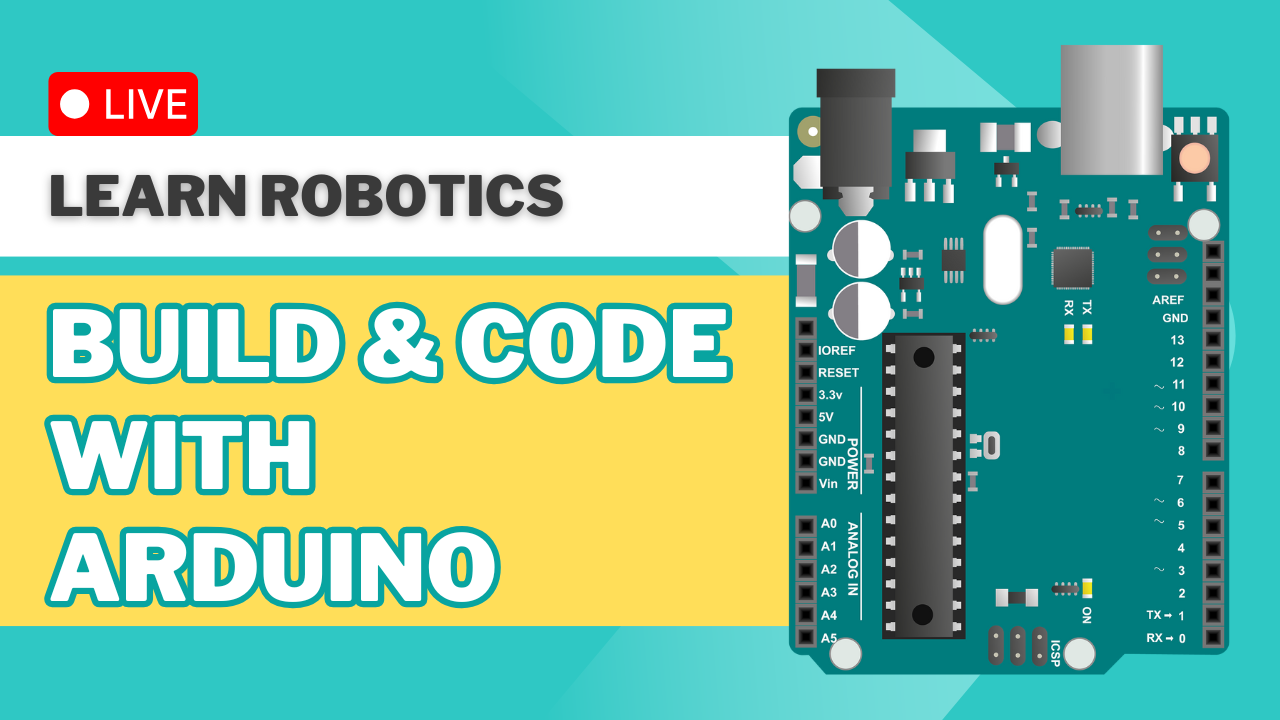
  • Description: We'll introduce the virtual Arduino UNO board and the breadboard as a prototyping tool. You'll learn the structure of an Arduino program and write the code for the classic "Blink" sketch.
  • Key Concepts: The Arduino UNO board layout, the breadboard, pinMode()digitalWrite(), and the delay() function.
  • Hands-on Project: Build an Arduino-controlled LED circuit and program it to blink.

Lecture 3: Digital Inputs and Conditional Logic:

  • Description: Learn how to use inputs to control your circuits. We'll connect a push button and use if statements to make your code respond to a button press.
  • Key Concepts: Digital inputs, digitalRead(), internal pull-up resistors, and basic conditional if-else statements.
  • Hands-on Project: Build a circuit where pressing a button turns on an LED.

Lecture 4: Analog Signals and PWM:

  • Description: Move beyond simple ON/OFF signals. You'll learn about analog inputs using a potentiometer and how to control an LED's brightness with Pulse Width Modulation (PWM).
  • Key Concepts: Analog vs. digital, analogRead()analogWrite() (PWM), and the map() function.
  • Hands-on Project: Create a dimmer switch: use a potentiometer to control the brightness of an LED.

Lecture 5: Sensors and Advanced Components:

  • Description: Give your circuit the ability to "see" and "act." We will integrate a sensor to measure distance and use a servo motor for precise movement, all virtually.
  • Key Concepts: Ultrasonic distance sensor (HC-SR04), reading sensor data, and controlling a servo motor using the Servo library.
  • Hands-on Project: Build a simple "proximity alert" system that turns on an LED when an object is too close to the ultrasonic sensor.

Lecture 6: The Final Project Showcase:

  • Description: This final class brings everything together. You will integrate a push button, multiple LEDs, and conditional logic to build a complete, simulated project.
  • Key Concepts: Project planning, circuit design, and code integration.
  • Hands-on Project: Build a smart traffic light with a pedestrian crossing button.

Anushri Mishra

Edtech Mentor and AI Expert !
Instructor Photo
  • 4.5 Instructor Rating
  • 100+ Reviews
  • 200+ Students
  • 10 Courses

I am an educator with 3 year of experience teaching Artificial Intelligence, Coding and Robotics. I specialise in simplifying complex technical concepts, making them engaging and accessible for learners of all backgrounds. My classes blend theory with hands-on projects, helping students understand how AI and robotics shape the world around us. 

Passionate about fostering curiosity and innovation, I am committed to inspiring the next generation of creators and problem-solvers through practical learning and interactive teaching methods.

Educational Qualification - B.Tech - Computer Science Engineering (CSE)

Experience - 3+ Year in Education-Technology Sector.

Leave a Review

Tinkercad Circuits

What’s Included

Everything you need to know about this course

Lectures
8 Classes
Duration
4 weeks
Level
Beginner
Language
English / Hindi

What you need / Requirement

Internet
Internet

You need a working internet connection to watch videos, join online classes, and get help when needed.

Laptop/PC
Laptop/PC

A personal computer is essential for hands-on practice and project work.

Your Journey. Your Growth.

A structured path designed to take you from basics to mastery with clarity, confidence, and real-world impact.

01

Beginner

Start with fundamental concepts and build a strong foundation.

02

Intermediate

Expand your knowledge and start building practical projects.

03

Advanced

Dive deeper into specialized areas and master complex techniques.

04

Master

Achieve expert-level proficiency and innovate with your skills.

Start Your Learning Journey

Ready to Upgrade Your Career Skills?

Join industry-focused courses with expert guidance, practical learning, certification, and career growth opportunities.

Flexible Learning
Certification
Expert Trainers
Career Support
CERTIFICATION

Earn Valuable Credentials
and Lead with a Competitive Edge.

Certificate and Recognition That Validates Your Skills

Our curriculum is meticulously designed in collaboration with industry leaders to ensure every skill you acquire is not just current, but in high demand.

Get Mentorship From Top 1 % Industry Experts

Our mentors are seasoned professionals and thought leaders who provide unparalleled guidance and personalized feedback.

Network For Lifelong Success

Our vibrant community of professionals offers continuous support, mentorship, and a platform for lifelong career acceleration.

Certificate

Explore Similar Topics

Discover more similar content to expand your knowledge and sharpen your skills.

From Virtual Circuits to Real-World Innovation!

TinkerCad : Your Virtual Electronics Lab

1
Discover and Explore
2
Build and Experiment
3
Innovate and Lead
1
Discover and Explore
2
Build and Experiment
3
Innovate and Lead

Join 50k+ engineers leveling up today.

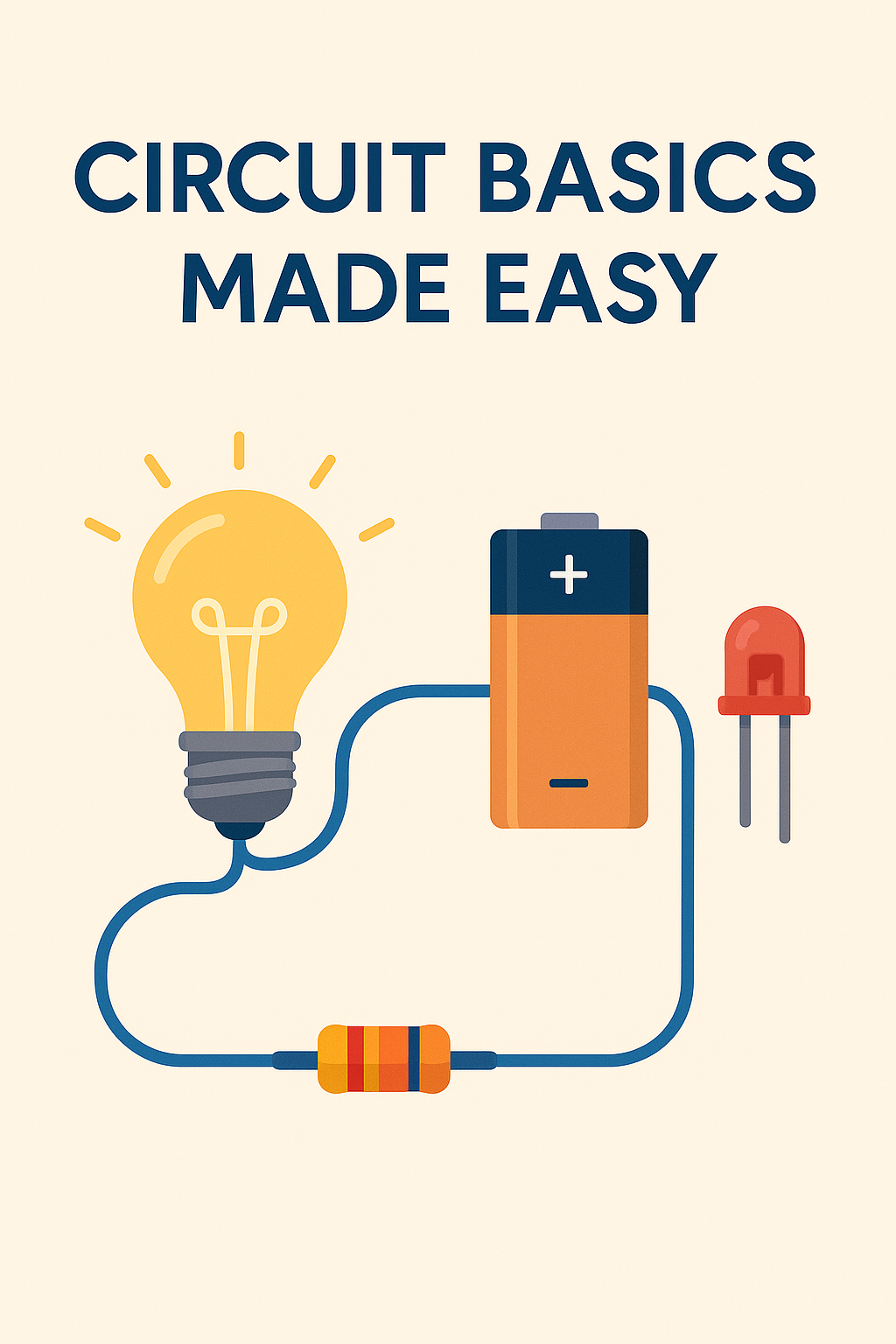
Circuit Basics Made Easy

Circuit Basics Made Easy

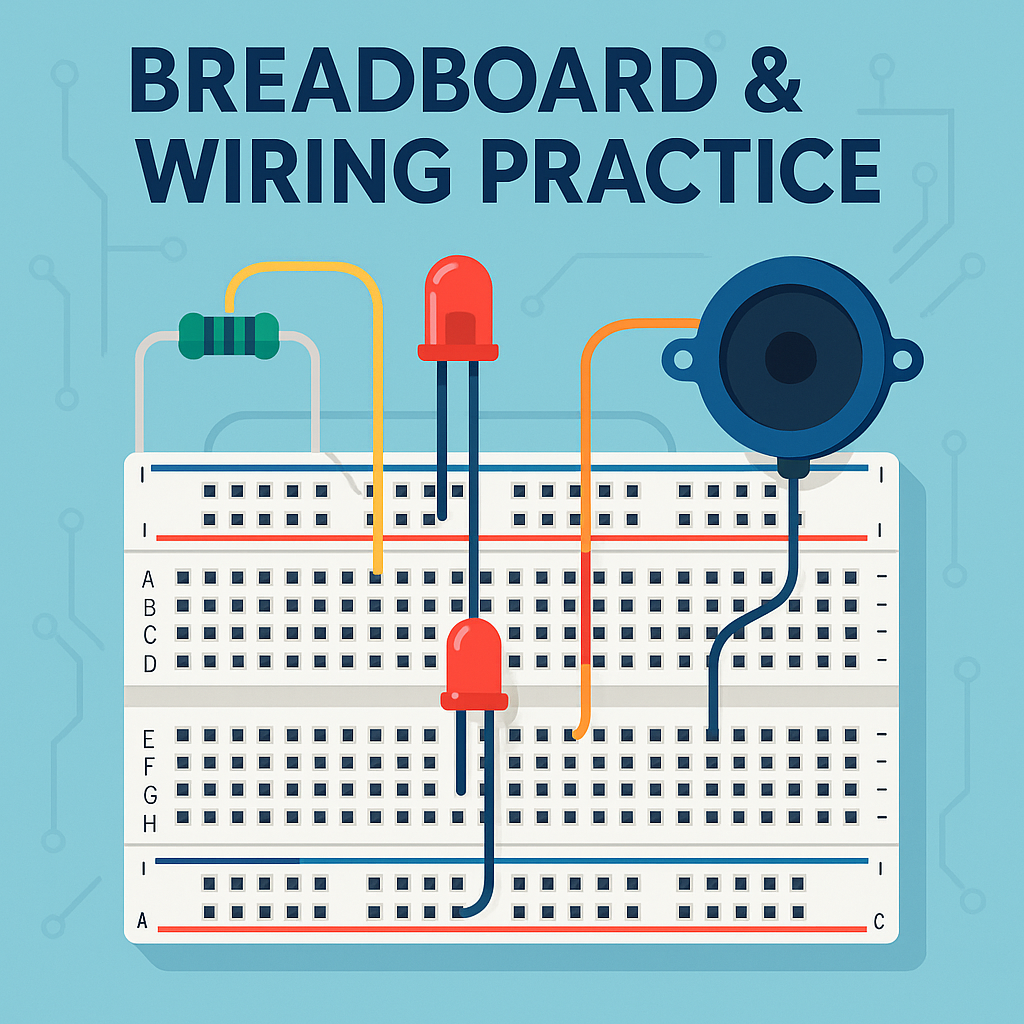
Breadboard & Wiring Practice

Breadboard & Wiring Practice

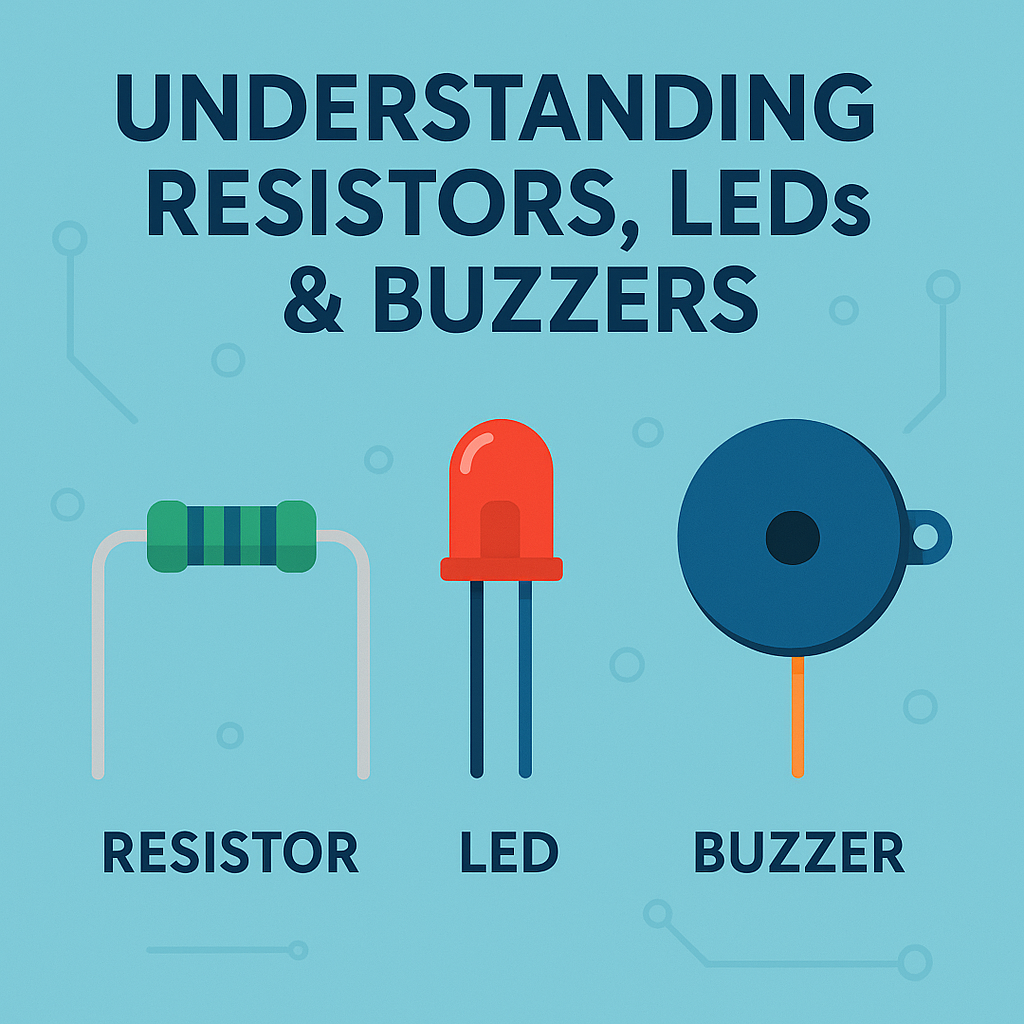
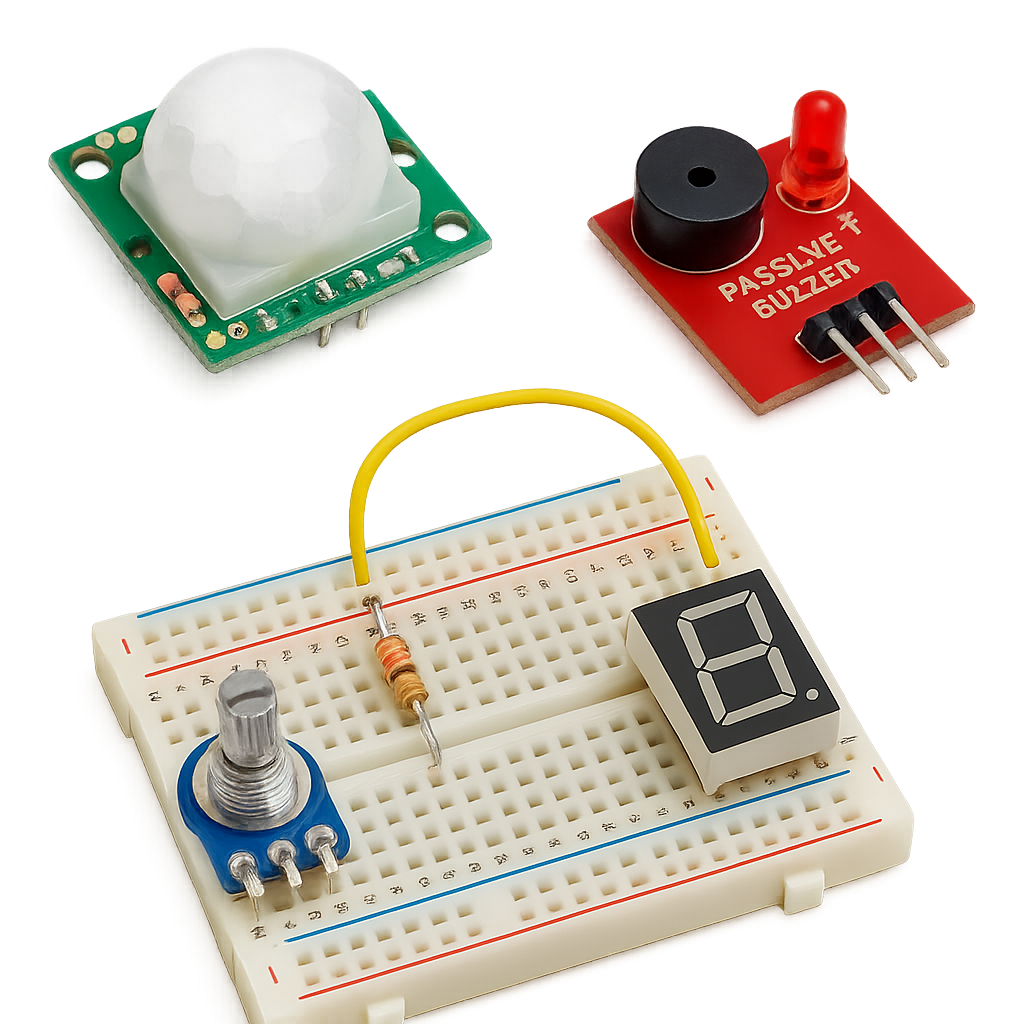
Understanding Resistors, LEDs & Buzzers

Understanding Resistors, LEDs & Buzzers

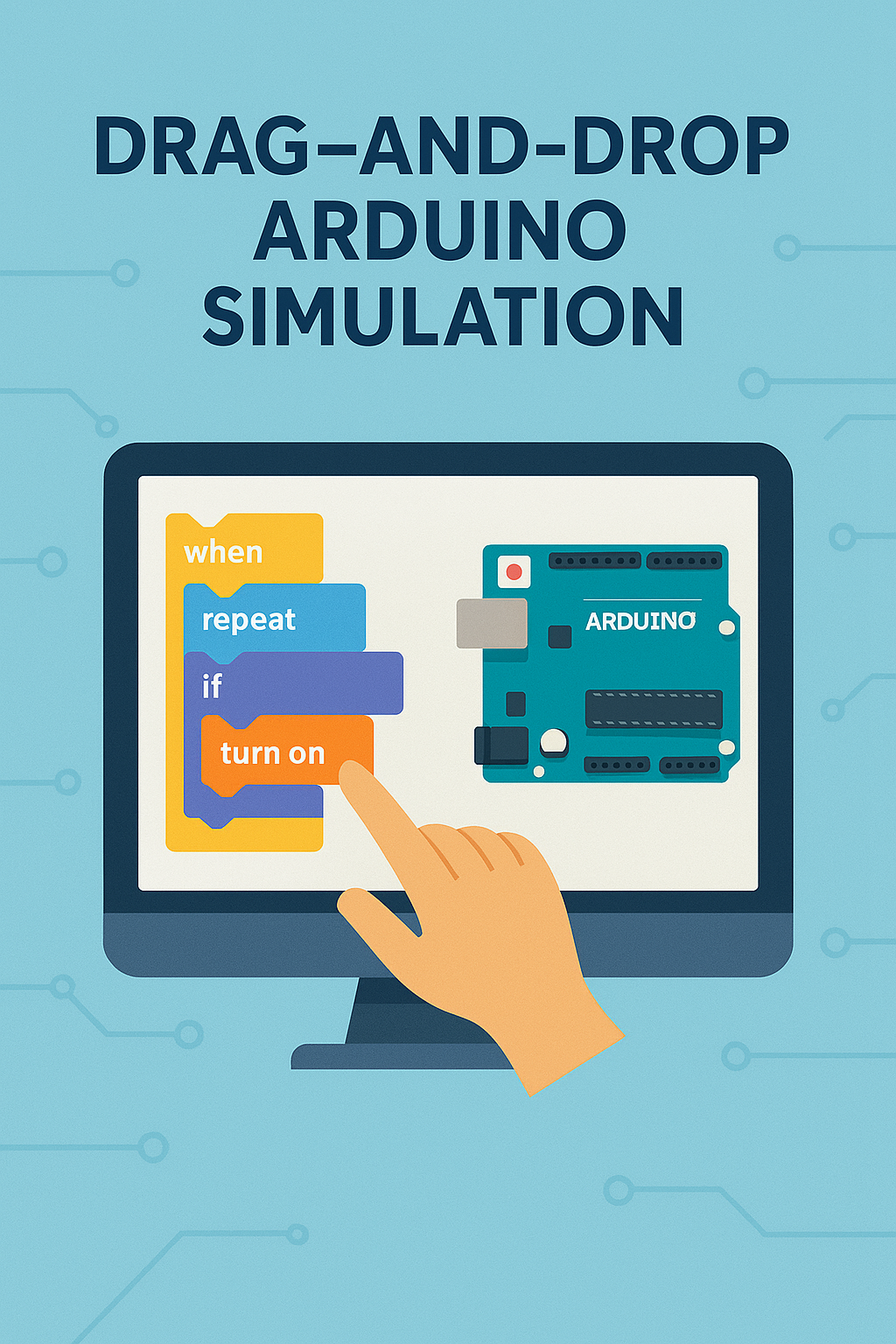
Drag-and-Drop Arduino Simulation

Drag-and-Drop Arduino Simulation

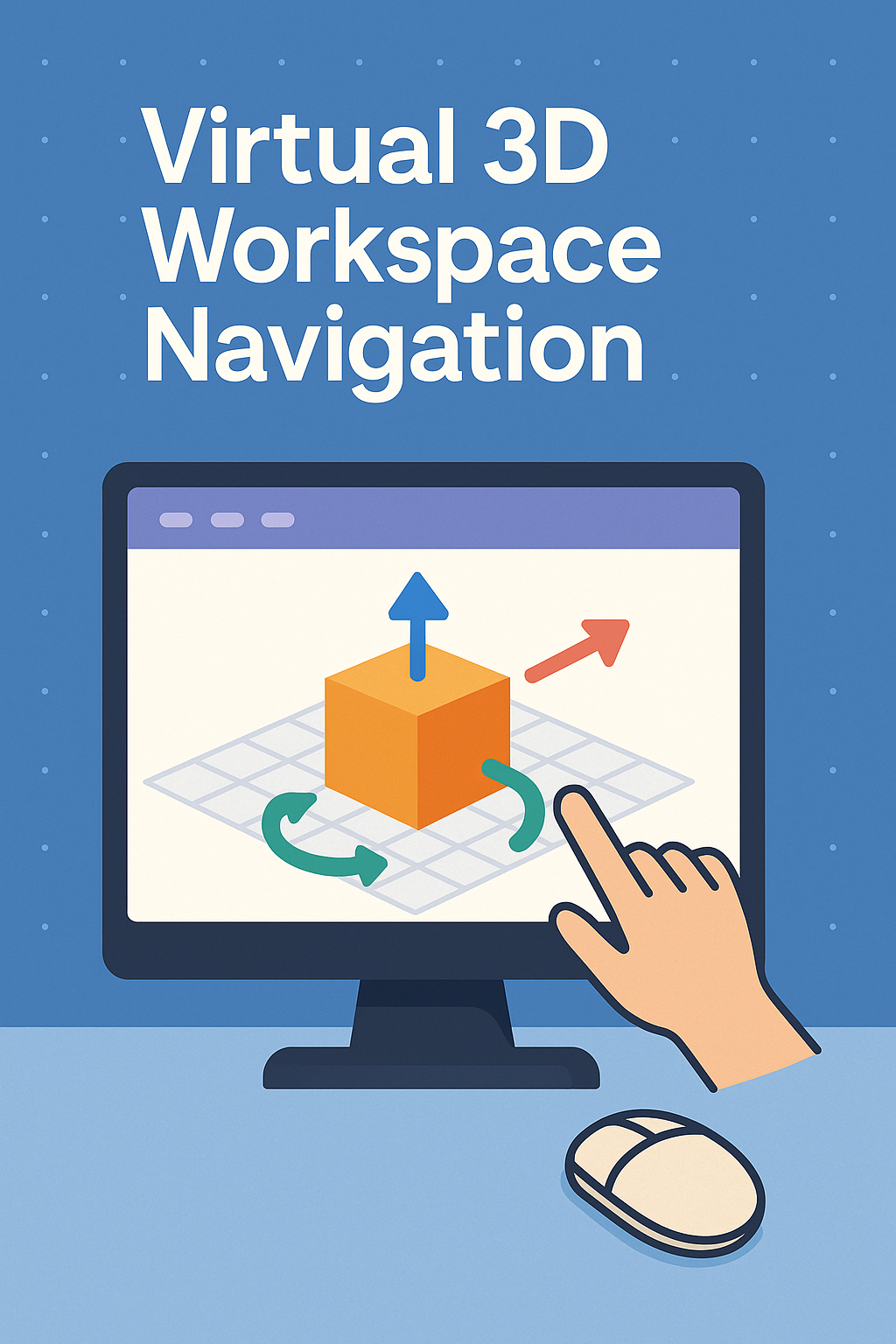
Virtual 3D Workspace Navigation

Virtual 3D Workspace Navigation

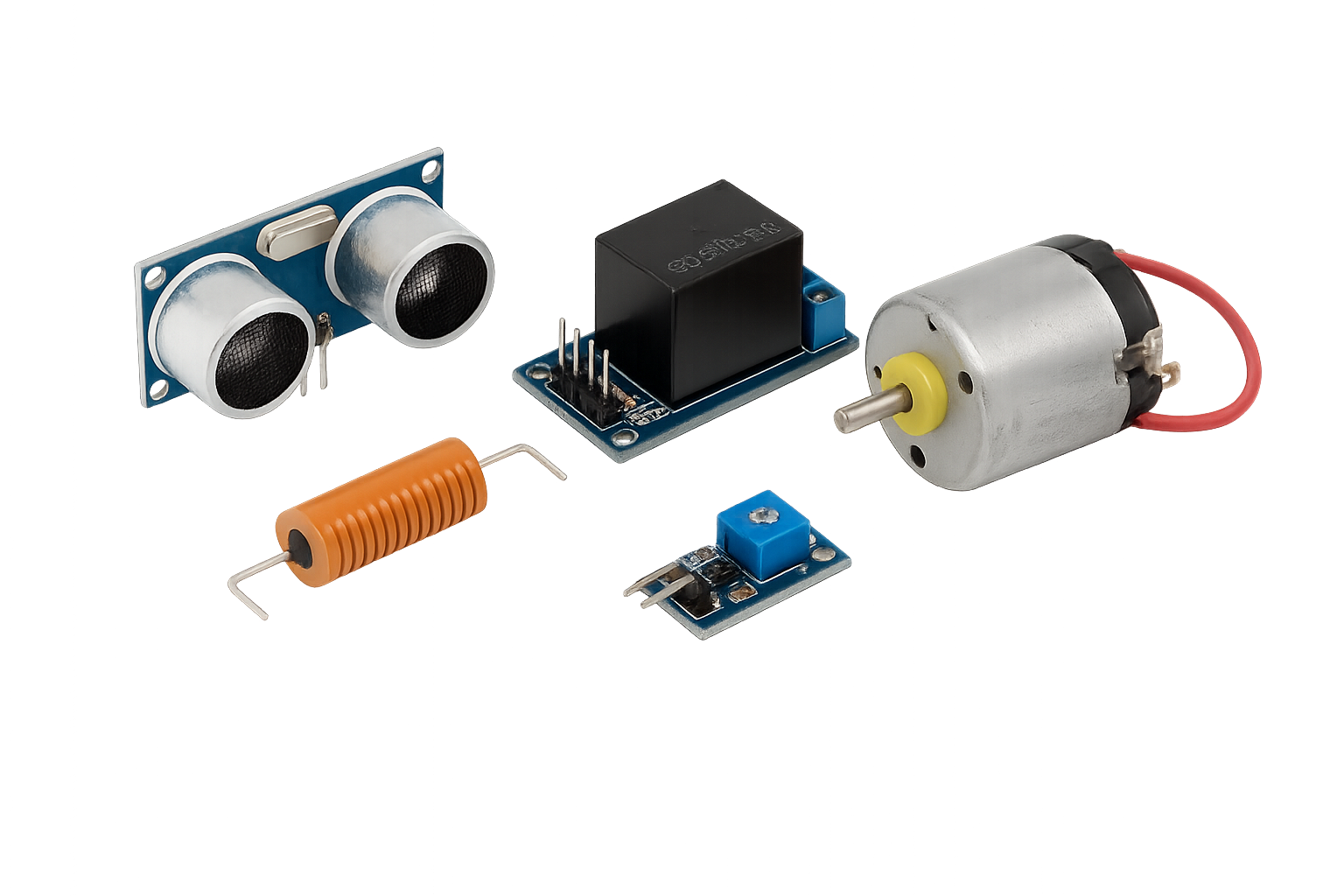
Sensors, Actuator and Motor Control (Virtual)

Sensors, Actuator and Motor Control (Virtual)

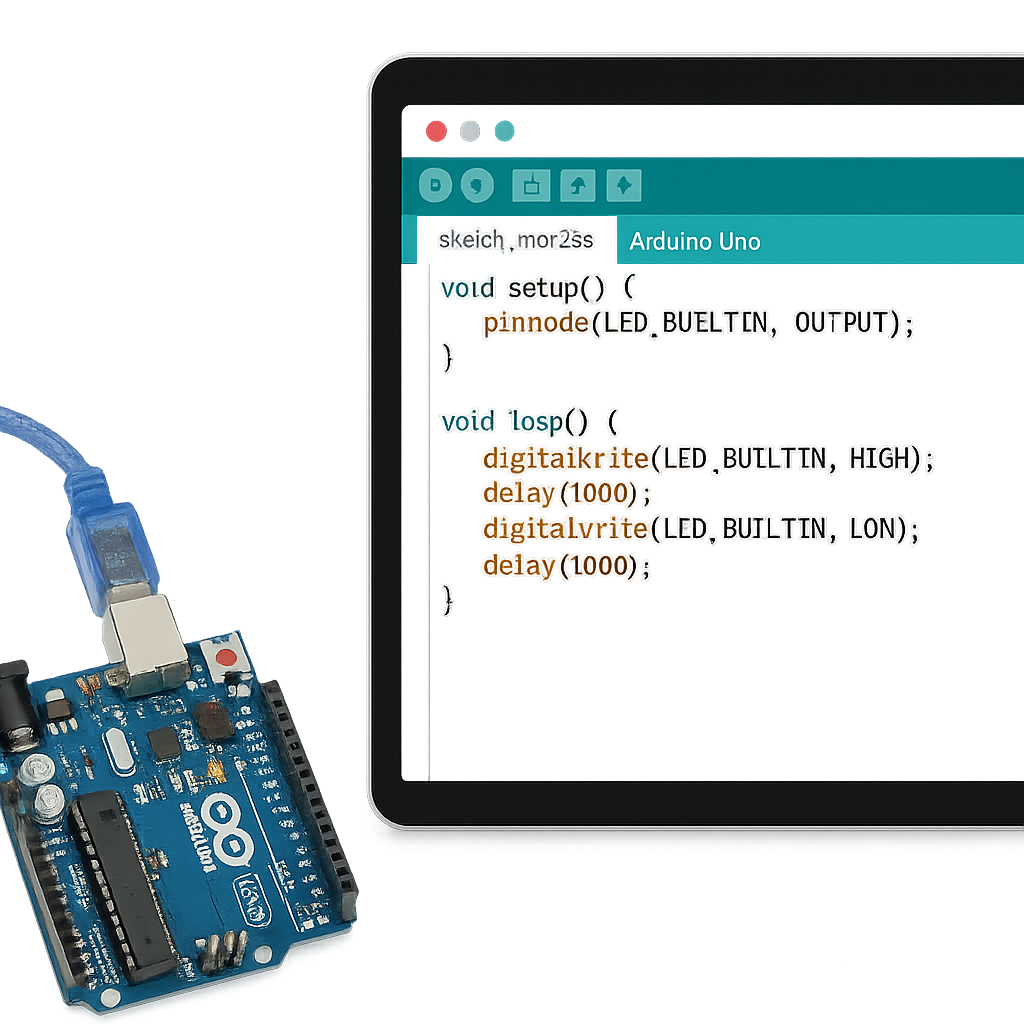
Arduino IDE Simulation & Coding

Arduino IDE Simulation & Coding

Hands-On Virtual Projects (Smart Light, Alarms, Counters)

Hands-On Virtual Projects (Smart Light, Alarms, Counters)

IoT Concepts & Wireless Control Simulation

IoT Concepts & Wireless Control Simulation

Servo / DC Motor Based Mini Robotics (Simulated)

Servo / DC Motor Based Mini Robotics (Simulated)

Smart Automation System Designs

Smart Automation System Designs

ESP32 & IoT Workflow Understanding (Simulated Logic)

ESP32 & IoT Workflow Understanding (Simulated Logic)

Virtual GPS / Tracking System Concepts

Virtual GPS / Tracking System Concepts

3D Design & Printing-Ready Models

3D Design & Printing-Ready Models

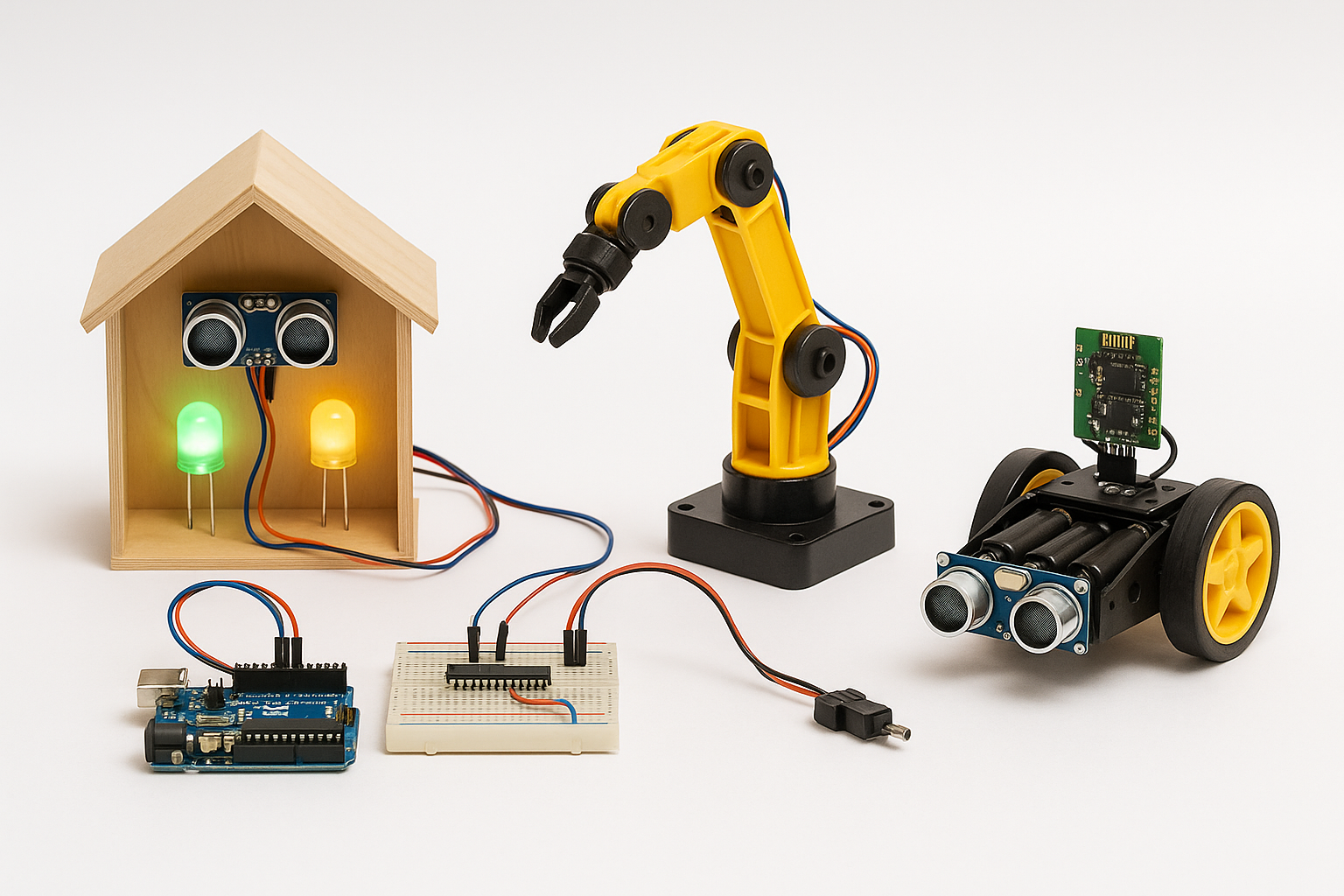
Advanced Capstone Projects (Smart Home Model, Robo Arm, Security Bot)

Advanced Capstone Projects (Smart Home Model, Robo Arm, Security Bot)

Join 50k+ engineers leveling up today.

  • Fun and easy lessons to understand electronics step-by-step.
  • Work in a virtual lab — no real parts needed to start.
  • Learn by doing, not just watching.
  • Build circuits, turn on LEDs, run motors, and use sensors — all online.
  • Clear explanations from friendly instructors.
  • Ask doubts anytime — get answers from teachers quickly.
  • One-on-one help available when you’re stuck.
  • Simple guidance to connect components correctly.
  • Help in fixing circuit errors and improving your designs.
  • Easy, supportive learning — no pressure, no confusion.
  • Learn real skills used in robotics and engineering.
  • Build small projects to grow your confidence.
  • Get ideas for science fairs and class projects.
  • Track your progress and see how much you’ve learned.
  • Start building a mini portfolio of your circuit designs.
  • Work and learn with classmates in fun group activities.
  • Share your circuit designs and projects with others.
  • Join class discussions to exchange ideas and tips.
  • Learn how others solve the same problem in different creative ways.
  • Celebrate each other’s progress and inventions.
We’re Here to Help You Learn Better

Have a Question?
We’d Love to Help!

Whether it’s about our courses, admissions, or anything else—just ask!

Quick Response
Expert Guidance
100% Confidential
Ask Your Question It only takes a minute!
Student
YOUR ROADMAP

Go from Curious Kid to Circuit Creator in 6 Steps

A clear, step-by-step milestone path to take you from the basics to building real-world AI solutions.

01

Enter the World of Virtual Circuits

Your journey starts with your first live session! Here, you’ll explore what electronics are and how real-world devices like bulbs, fans, and sensors actually work — all inside TinkerCad’s virtual lab.

01
02
02

Learn the Basics of Electronics

Next, you’ll get hands-on experience with simple electronic parts like LEDs, resistors, and batteries. You’ll learn how to connect them safely and understand how electricity flows in a circuit.

03

Start Building Simple Circuits

Now it’s time to experiment! You’ll create fun projects such as glowing LEDs, traffic lights, and buzzers using virtual wires and breadboards in TinkerCad.

03
04
04

Add Coding to Your Circuits

Here, you’ll combine coding with your electronic designs using Arduino in TinkerCad. You’ll learn how to make smart circuits — like automatic lights or a digital temperature monitor. 05

05

Share, Discuss & Improve Your Projects

In this stage, you’ll discuss your ideas with friends, learn how to fix mistakes, and share your awesome circuit creations in class presentations.

05
06
06

Design Like a Real Engineer!

By the end of the course, you’ll be confident in creating, coding, and testing your own electronic projects — just like a real engineer — all in your virtual TinkerCad lab!

Key Features

What Makes This Course Special?

TinkerCad makes electronics simple, safe, and exciting for students through virtual hands-on learning.

01
Build Circuits Easily

Build Circuits Easily

Gain practical skills, deep domain knowledge, and real-world experience through this structured module designed by industry experts.

02
Beginner-Friendly Interface

Beginner-Friendly Interface

Gain practical skills, deep domain knowledge, and real-world experience through this structured module designed by industry experts.

03
Arduino Coding Simulation

Arduino Coding Simulation

Gain practical skills, deep domain knowledge, and real-world experience through this structured module designed by industry experts.

04
Safe & Risk-Free Learning

Safe & Risk-Free Learning

Gain practical skills, deep domain knowledge, and real-world experience through this structured module designed by industry experts.

05
Fun Hands-On Projects

Fun Hands-On Projects

Gain practical skills by working on real projects that simulate actual engineering environments.

06
Learn Anytime, Anywhere

Learn Anytime, Anywhere

Gain practical skills, deep domain knowledge, and real-world experience through this structured module designed by industry experts.

Got Questions?

Frequently Asked Questions

Everything you need to know about TinkerCad : Your Virtual Electronics Lab

TinkerCad is a free online tool where you can create and test electronics, 3D designs, and circuits on your computer—without needing real wires or parts.

Because it works like a real electronics lab, but everything is on your screen. You can connect circuits, add components, and see how they work—just like in real life.

No, you don’t need real parts like wires, resistors, or LEDs. TinkerCad gives you virtual components that behave like real ones.

Yes! TinkerCad lets you program Arduino boards using block-based coding (drag-and-drop) or real code. This helps beginners learn electronics and coding together.

No, TinkerCad is 100% free. You just need to sign up with an email ID and internet connection.

Still Have Doubts? Let's Connect!

Our academic counselors are available 24/7 to help you choose the right path for your career goals.

Your information is 100% secure with us.