Game Lab and Animation Studio with Scratch

Take the next step in your child's coding journey. In this course, students use MIT's Scratch platform to design and build their own interactive games and animated stories from scratch. It’s the perfect way to learn essential programming concepts like variables, loops, and conditionals while bringing creative ideas to life.

4.5/5 Rating
1000+ Students
Beginner Level
12 Classes 4 weeks
India
Available Coaching Centers:
No coaching centers found in this location. Please try another area.

For School

Get detailed information about our programs for your school.

Pre-Recorded

Get your self placed module for this course with 1-on-1 live mentorship!

Batch (Group Classes)

₹ 79 /class

Individual (1-ON-1 Classes)

₹ 99 /class

Book a Free Demo with Us!

to know more or enquire about the sessions

Personalized Guidance Expert Support
Course Description

Ready to build the games you love to play? This course is your launchpad into the exciting world of game design and animation using Scratch, the powerful block-coding platform from MIT. You'll go beyond the basics to design complex games with scoring and levels, create dynamic animations with character expressions, and bring your most ambitious ideas to life with code.

This Course Is Your Next Step - Here is Why?

  1. Become a Game Architect: Learn the core mechanics of game design. You’ll build projects with custom character controls, scoring systems, simple physics (like gravity and collision), and challenging levels.
  2. Master Advanced Animation: Move beyond simple movement. Learn to create cinematic cutscenes and fluid character animations using advanced broadcasting, timing techniques, and custom-drawn sprites.
  3. Think Like a Programmer: Get hands-on experience with essential coding concepts like variables, conditionals (if/then/else), and complex loops that are the building blocks of all text-based programming languages like Python and JavaScript.
  4. Develop Your Creative Portfolio: Finish the course with a collection of unique, shareable games and animations. You'll have an amazing portfolio to share with friends and family that showcases your new skills.

This Course Includes:

  • 12+ Live Learning Hours + On-demand Videos
  • 20+ Project-Based Challenges
  • Downloadable Asset Packs (sprites, backgrounds, sounds)
  • Lifetime access to our learning dashboard
  • Certificate of Completion

Who Is This For? This course is perfect for creative kids and aspiring game designers aged 9-11. It's the ideal next step for students with some block coding experience (like Code.org or Scratch Jr.) or for ambitious beginners who are ready for a fun challenge.

*Parental assistance may be helpful for our youngest learners.

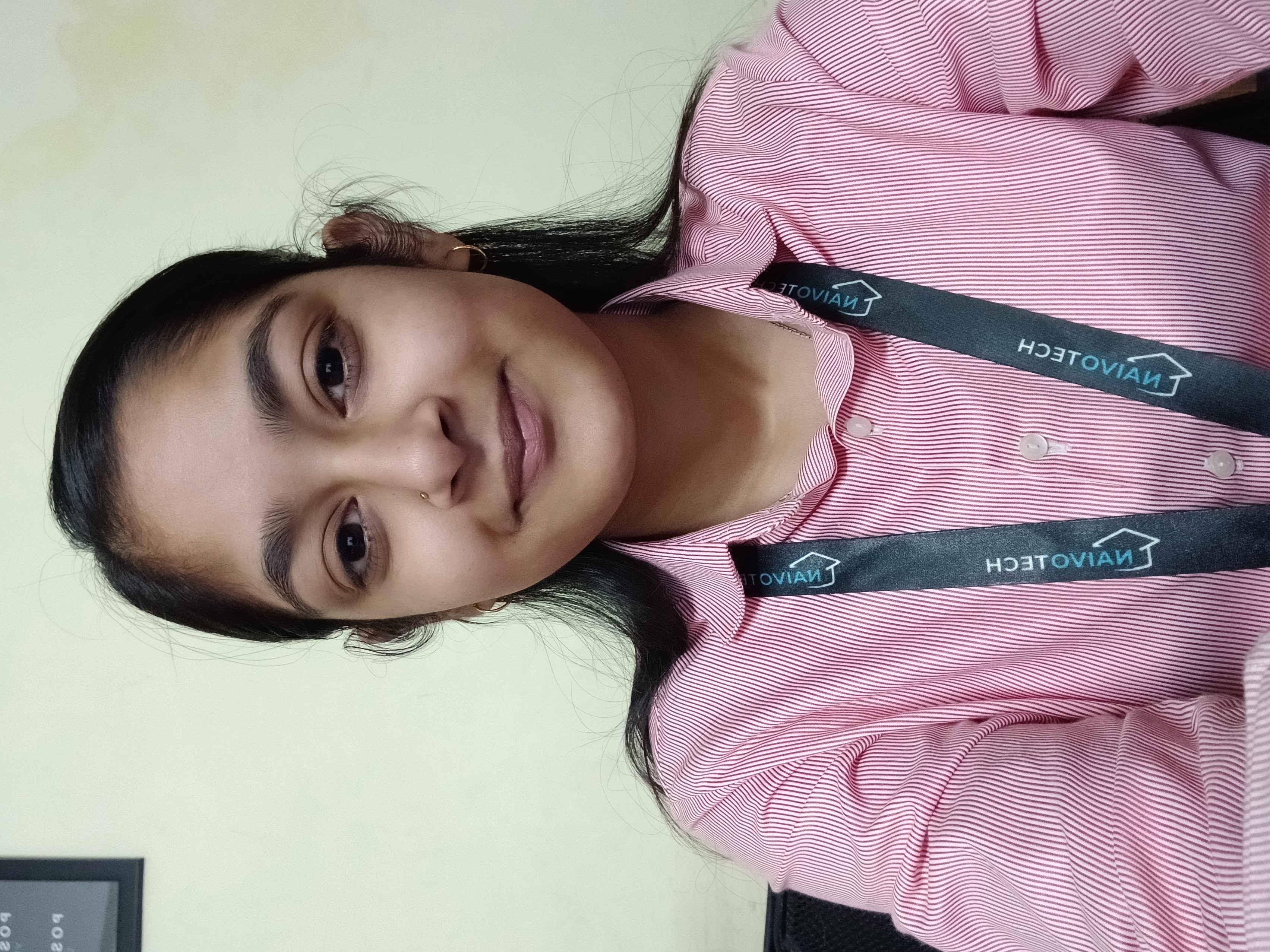
Anushri Mishra

Edtech Mentor and AI Expert !
Instructor Photo
  • 4.5 Instructor Rating
  • 100+ Reviews
  • 200+ Students
  • 10 Courses

I am an educator with 3 year of experience teaching Artificial Intelligence, Coding and Robotics. I specialise in simplifying complex technical concepts, making them engaging and accessible for learners of all backgrounds. My classes blend theory with hands-on projects, helping students understand how AI and robotics shape the world around us. 

Passionate about fostering curiosity and innovation, I am committed to inspiring the next generation of creators and problem-solvers through practical learning and interactive teaching methods.

Educational Qualification - B.Tech - Computer Science Engineering (CSE)

Experience - 3+ Year in Education-Technology Sector.

Nitil Singh

Edtech Mentor and Web Developer !
Instructor Photo
  • 4.9 Instructor Rating
  • 900+ Reviews
  • 1000+ Students
  • 20+ Courses

I am an enthusiastic educator with 3+ year of experience teaching Robotics, STEM and Automation. I specialize in simplifying complex technical concepts, making them engaging and accessible for learners of all backgrounds. My classes blend theory with hands-on projects, helping students understand how robotics shape the world around us. 

Passionate about fostering curiosity and innovation, I am committed to inspiring the next generation of creators and problem-solvers through practical learning and interactive teaching methods.

Educational Qualification - B.Tech - Computer Science Engineering (CSE)

Experience - 3+ Year in Education-Technology (EdTech) and Web Development.

Anam Khan

Operations Head | Co-Founder - Naivotech Innovations
Instructor Photo
  • 4.9 Instructor Rating
  • 500+ Reviews
  • 1000+ Students
  • 20+ Courses

Anam Khan is a Technology and Business Educator who simplifies complex concepts into engaging, hands-on lessons for young learners. She has taught thousands of students across various educational boards using a range of tools and platforms.. Her classes emphasize creativity, critical thinking, and real-world problem-solving.

As a Co-Founder - NaivoTech. Her teaching is student-centric and detail-oriented, supported by her vast experience in both education and business. Her mission is to make technology learning exciting, inclusive, and future-ready for every student.

Educational Qualification - B.Com and MBA (Finance)

Experience - 8+ Year in Education-Technology (EdTech) and Operations

Leave a Review

Game Lab and Animation Studio with Scratch

What’s Included

Everything you need to know about this course

Lectures
12 Classes
Duration
4 weeks
Level
Beginner
Language
English / Hindi

What you need / Requirement

Internet
Internet

You need a working internet connection to watch videos, join online classes, and get help when needed.

Notebook
Notebook

Basic understanding of English is required, as the course content and instructions are primarily in English

Your Journey. Your Growth.

A structured path designed to take you from basics to mastery with clarity, confidence, and real-world impact.

01

Beginner

Start with fundamental concepts and build a strong foundation.

02

Intermediate

Expand your knowledge and start building practical projects.

03

Advanced

Dive deeper into specialized areas and master complex techniques.

04

Master

Achieve expert-level proficiency and innovate with your skills.

Start Your Learning Journey

Ready to Upgrade Your Career Skills?

Join industry-focused courses with expert guidance, practical learning, certification, and career growth opportunities.

Flexible Learning
Certification
Expert Trainers
Career Support
NA

Earn Valuable Credentials
and Lead with a Competitive Edge.

Certificate and Recognition That Validates Your Skills

Our curriculum is meticulously designed in collaboration with industry leaders to ensure every skill you acquire is not just current, but in high demand.

Get Mentorship From Top 1 % Industry Experts

Our mentors are seasoned professionals and thought leaders who provide unparalleled guidance and personalized feedback.

Network For Lifelong Success

Our vibrant community of professionals offers continuous support, mentorship, and a platform for lifelong career acceleration.

Certificate

Explore Similar Topics

Discover more similar content to expand your knowledge and sharpen your skills.

NA

  • Learn how to create your own games and animations using Scratch.
  • Use drag-and-drop coding — no typing or difficult syntax required.
  • Create characters, backgrounds, sound effects, and fun interactions.
  • Learn basic logic like loops, movement, score, levels, and game controls.
  • Watch your ideas turn into real playable games and animated stories!
  • Step-by-step guidance from friendly instructors.
  • One-on-one help for fixing coding mistakes or animation timing.
  • Clear explanations for how to make characters move, talk, or respond.
  • Quick doubt-solving during class practice sessions.
  • Encouragement to experiment, try, and learn by doing — no pressure.
  • Build confidence in creative thinking, storytelling, and problem-solving.
  • Use your games/animations for school projects or digital portfolios.
  • Learn the basics that lead to real game development and programming later.
  • Understand how animation is used in cartoons, movies, and apps.
  • Get guidance for moving to advanced coding or robotics courses in future.
  • Work together with classmates to design fun story ideas and characters.
  • Play each other’s games and give positive feedback.
  • Learn new styles and tricks by seeing how others create.
  • Join group challenges like: Best Story Animation or Best Mini-Game.
  • Become part of a creative community of young game makers and storytellers.
We’re Here to Help You Learn Better

Have a Question?
We’d Love to Help!

Whether it’s about our courses, admissions, or anything else—just ask!

Quick Response
Expert Guidance
100% Confidential
Ask Your Question It only takes a minute!
Student
YOUR ROADMAP

Go from Curious Creator to Game & Animation Designer in 6 Steps

A clear, step-by-step milestone path to take you from the basics to building real-world AI solutions.

01

Welcome to the World of Scratch Creativity

Your journey begins with exploring how Scratch works — a fun, drag-and-drop coding platform. You’ll learn how to create characters, scenes, and actions using simple coding blocks.

01
02
02

Learn the Basics of Game & Animation Design

You’ll understand how to move characters, add sounds, create backgrounds, and make stories come to life. Learn core ideas like movement, loops, and events — all without typing code!

03

Create Your First Animations & Mini Games

Time to start building! You’ll create short animations, character stories, and simple interactive games. You’ll learn how to make characters jump, talk, dance, score points, and more.

03
04
04

Design Your Own Characters & Game Levels

Here, creativity takes the lead! You’ll design your own characters, scenes, and game levels. You’ll learn how to control speed, difficulty, and player actions to make your game fun and unique.

05

Add Logic, Scoring & Fun Interactions

Now you’ll make your game smarter! You’ll add timers, scores, challenges, winning rules, and animations that respond to the player. This is where your project becomes a real playable game.

05
06
06

Showcase Your Game or Animation Project

Finally, you’ll present your finished game or animated story to classmates. You’ll learn how to explain your design and thinking — and proudly share your creativity with the world!

Got Questions?

Frequently Asked Questions

Everything you need to know about Game Lab and Animation Studio with Scratch

Your child will learn how to design fun games and bring stories to life with animations using Scratch. They’ll explore coding ideas like scoring, levels, and character movement.

A little experience with block coding (like Code.org or Scratch Jr.) helps, but beginners are welcome! We start with simple steps and build up gradually.

You’ll just need a computer or laptop with internet access. Scratch runs directly in your web browser—no downloads required!

By learning coding logic and creative design, your child builds problem-solving, storytelling, and teamwork skills useful for school and beyond.

They’ll have a set of games and animations to show off, plus the confidence to keep exploring coding and game design on their own.

Still Have Doubts? Let's Connect!

Our academic counselors are available 24/7 to help you choose the right path for your career goals.

Your information is 100% secure with us.