








 Beginner
Introduction to Design Thinking
Bestseller

This advanced course is perfect for students who are ready to take charge and lead. You’ll learn how to handle a complete design thinking project — from understanding people’s needs to building and testing final solutions. You’ll also learn how to guide teams, work with real users, and present your ideas confidently.
By the end of this course, you’ll be able to manage your own projects, mentor others, and create designs that truly make a difference.
By the end of this course, you will be able to:
Objective: Understand what Design Thinking is and what this course will cover.
Focus: Course structure, mindset, and how DT helps in solving real problems.
Activity: Think about one small problem in daily life you want to solve.
Objective: Learn the key principles of Design Thinking (empathy, creativity, testing).
Focus: Human-centered thinking and how designers approach challenges.
Activity: Write down why empathy is important in problem-solving.
Objective: Get a clear overview of the Empathize–Define–Ideate–Prototype–Test stages.
Focus: Understanding the flow of the process and how each stage connects.
Activity: Create a small chart of the 5 stages.
Objective: Select a challenge you want to work on throughout the course.
Focus: Identifying a meaningful, user-centered problem.
Activity: Choose a real-life problem and describe who faces it and why.
Objective: Learn how to understand user needs, feelings, and problems.
Focus: Observation, interviews, and empathy tools (templates).
Activity: Interview a classmate, friend, or family member about your chosen challenge.
Objective: Improve your interview and listening skills.
Focus: Asking open-ended questions, taking notes, and avoiding assumptions.
Activity: Conduct one practice interview and list three new insights.
Objective: Learn how to extract real needs from conversations.
Focus: Identifying patterns, frustrations, goals, and motivations.
Activity: Create a simple user profile (who they are + what they need).
Objective: Convert your user insights into a clear problem statement.
Focus: "How might we…?" statements and reframing problems.
Activity: Write your own "How might we?" question.
Objective: Learn brainstorming methods for producing many ideas.
Focus: Mind maps, word association, and SCAMPER technique.
Activity: Create a list of 10–15 possible solutions to your problem.
Objective: Narrow down ideas to the most practical and impactful ones.
Focus: Idea filtering, grouping, and voting techniques.
Activity: Select your top 2 ideas and explain why they stand out.
Objective: Learn how to turn ideas into simple models or mock-ups.
Focus: Paper sketches, storyboards, role-play prototypes, or basic digital mock-ups.
Activity: Build a simple prototype of your chosen idea.
Objective: Understand what makes a good prototype.
Focus: Making it quick, easy, and user-focused.
Activity: Improve your first prototype based on your own reflection.
Objective: Learn how to gather honest, helpful feedback from users.
Focus: Test interviews, observation, and asking the right questions.
Activity: Test your prototype with at least one person and record their feedback.
Objective: Use feedback to make your design better.
Focus: Identifying what works, what doesn’t, and what can be improved.
Activity: Update your prototype and list the top three improvements.
Objective: Learn how a full-day or short workshop is structured.
Focus: Time planning, team roles, and typical activities.
Activity: Create a mini design-thinking workshop agenda.
Objective: Understand how collaboration and environment affect creativity.
Focus: Team diversity, room setup, and using physical/digital boards.
Activity: Sketch your ideal workshop room layout.
Objective: See how DT applies to businesses, startups, and everyday problems.
Focus: Connecting DT to Agile, innovation, and real-world use cases.
Activity: Write how Design Thinking can help improve a school or community process.
Objective: Present your project and show what you learned.
Focus: Sharing solutions, explaining the process, and reflecting on growth.
Final Activity: Upload your challenge summary, prototype, and final insights.
Your feedback matters! Share your learning experience to help other students choose their path and improve our community.
Have a question before you buy? Ask anything about the course and our team or community will reply directly in the thread below.
Please login as a student to ask questions, read threads, and join the discussion about this course.
Everything you need to know about this course

A stable internet connection is required for online classes and learning activities.

A personal computer is essential for hands-on practice and project work.

A web browser like Chrome or Firefox is needed to open learning websites and access course content online.

No expertise required, but basic knowledge is beneficial.
A structured path designed to take you from basics to mastery with clarity, confidence, and real-world impact.
Start with fundamental concepts and build a strong foundation.
Expand your knowledge and start building practical projects.
Dive deeper into specialized areas and master complex techniques.
Achieve expert-level proficiency and innovate with your skills.
Discover more similar content to expand your knowledge and sharpen your skills.
Beginner
 Intermediate
 Beginner
Intermediate
Advanced
Beginner
Intermediate
Advanced
Beginner
Intermediate
Advanced
Beginner
Intermediate
Advanced
Explore the most popular programs across diverse fields and start your skill-building journey today!
 Trending
Beginner
Trending
Beginner
![My Money My Future - Financial Literacy [For Classes 6-8]](https://vilab.co.in/assets/panelImagesUpload/Courses/Thumbnail.png) Trending
Beginner
Trending
Beginner
 Trending
Beginner
Trending
Beginner
 Trending
Beginner
Trending
Beginner
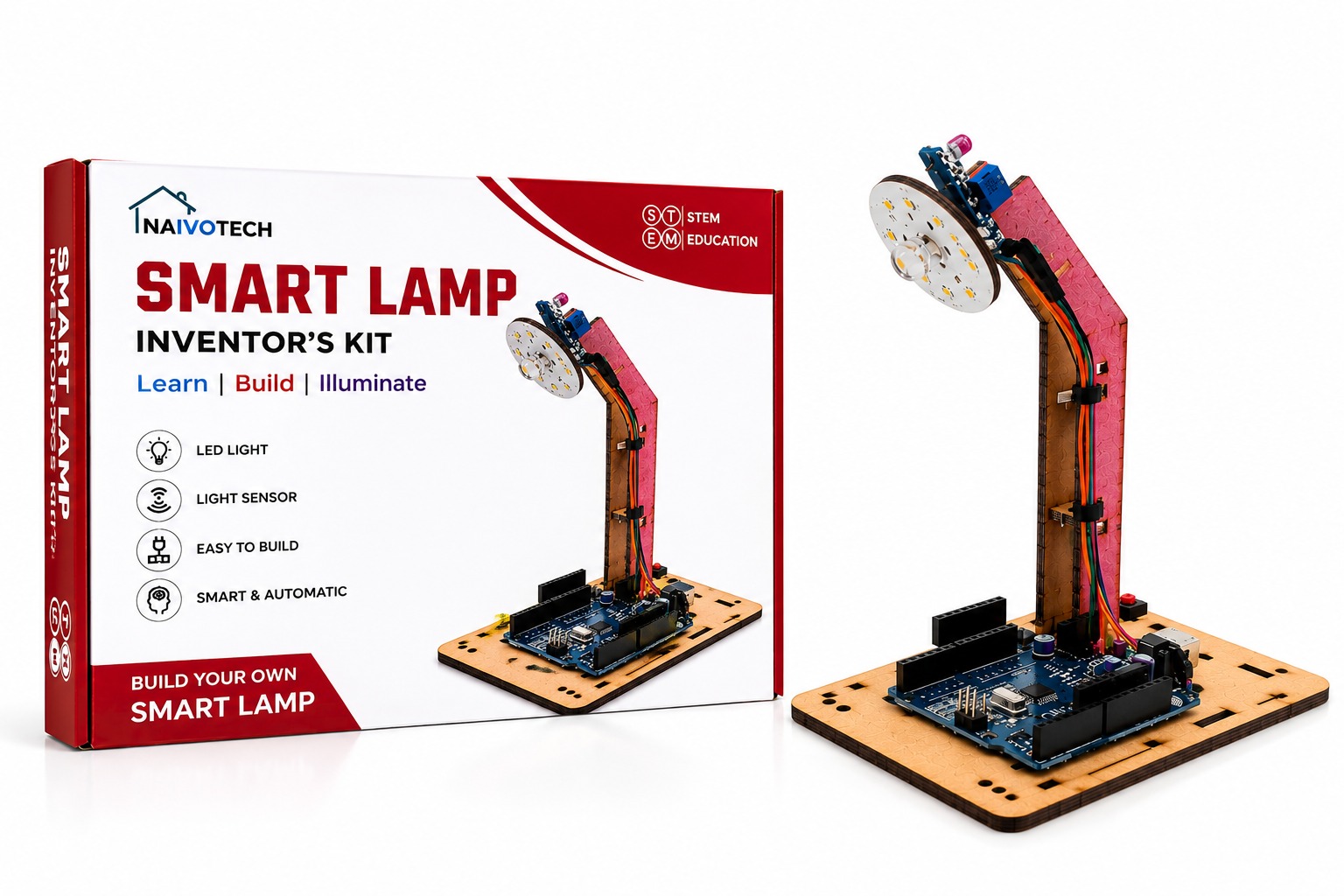
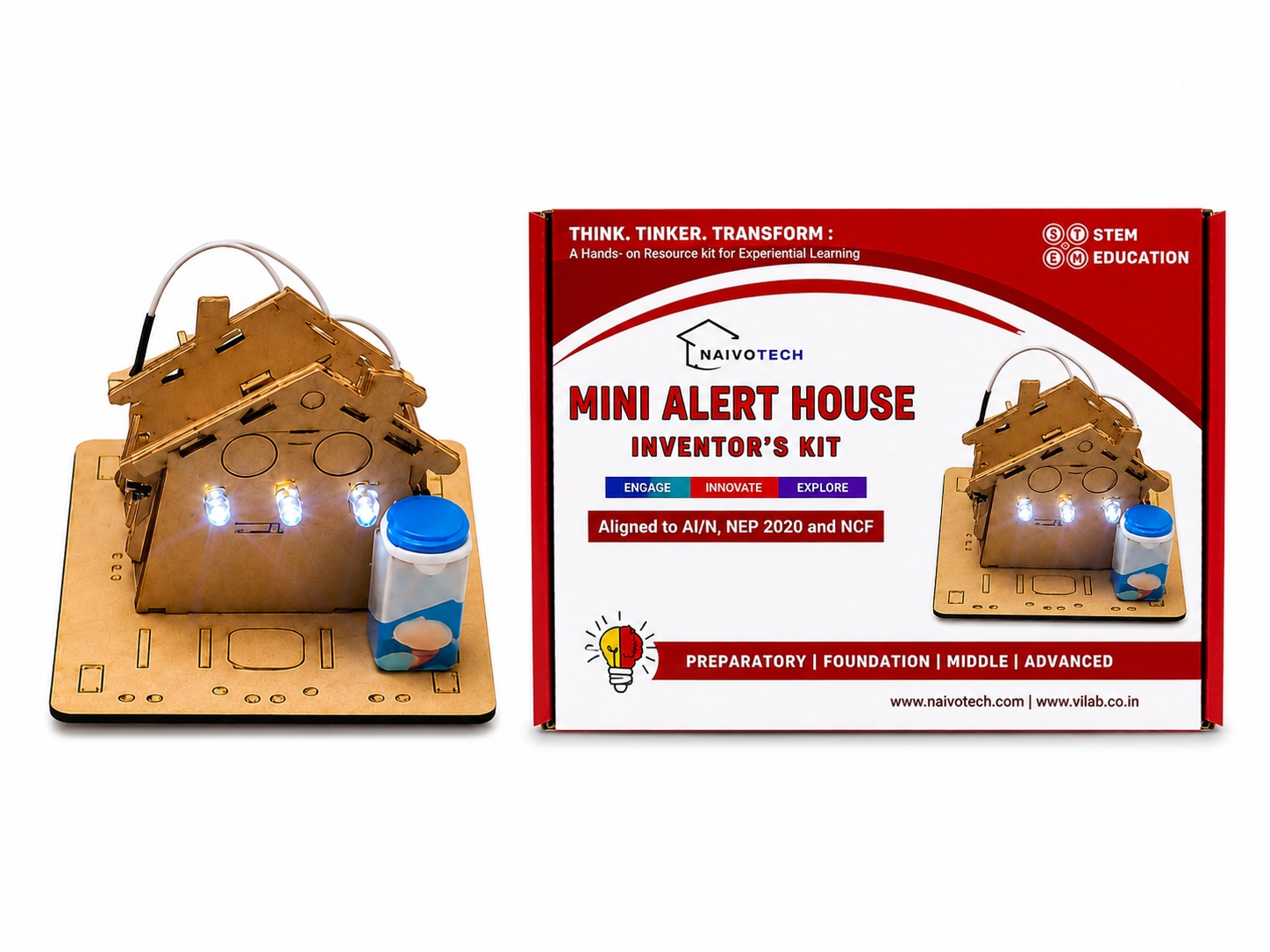
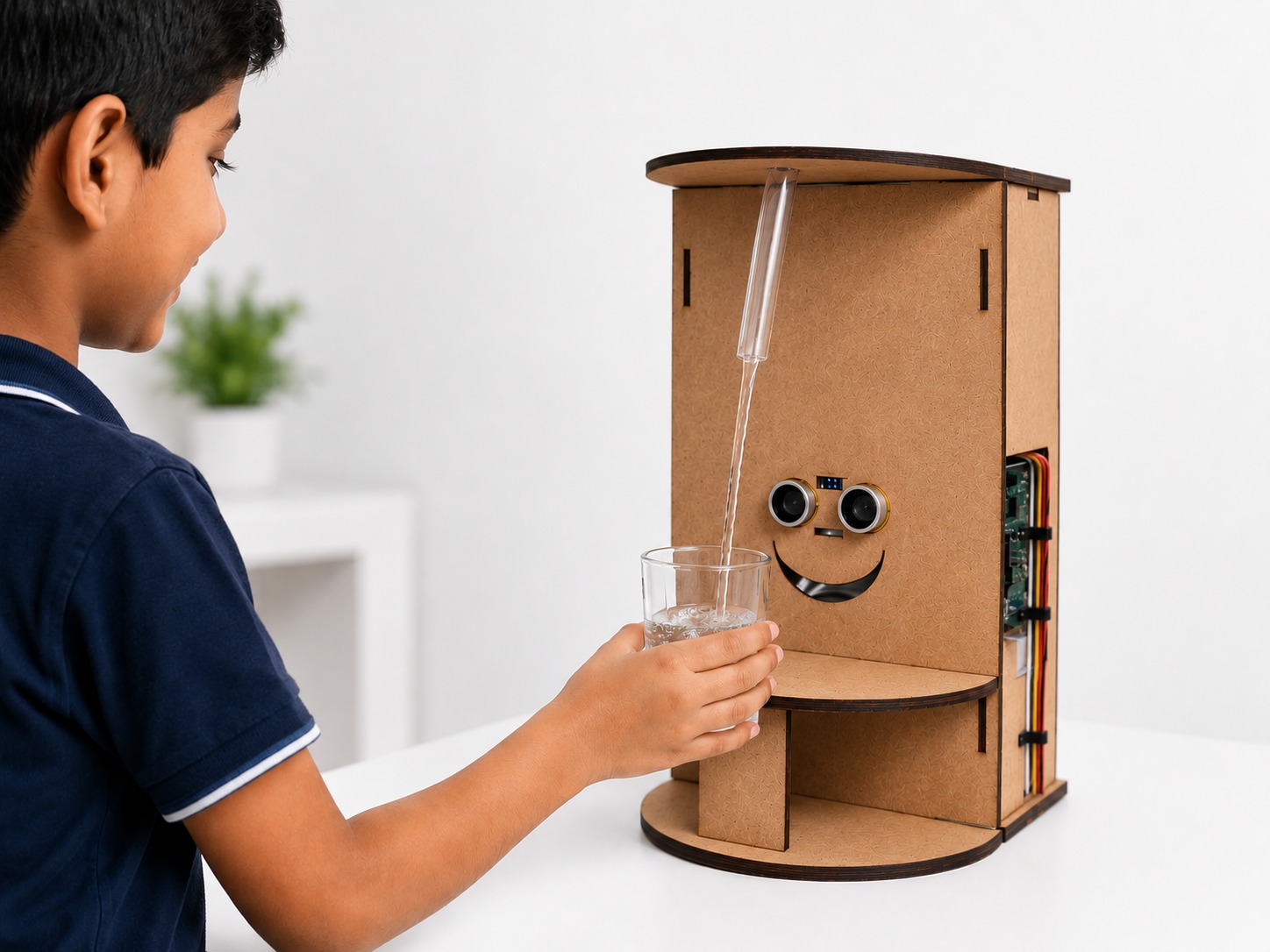
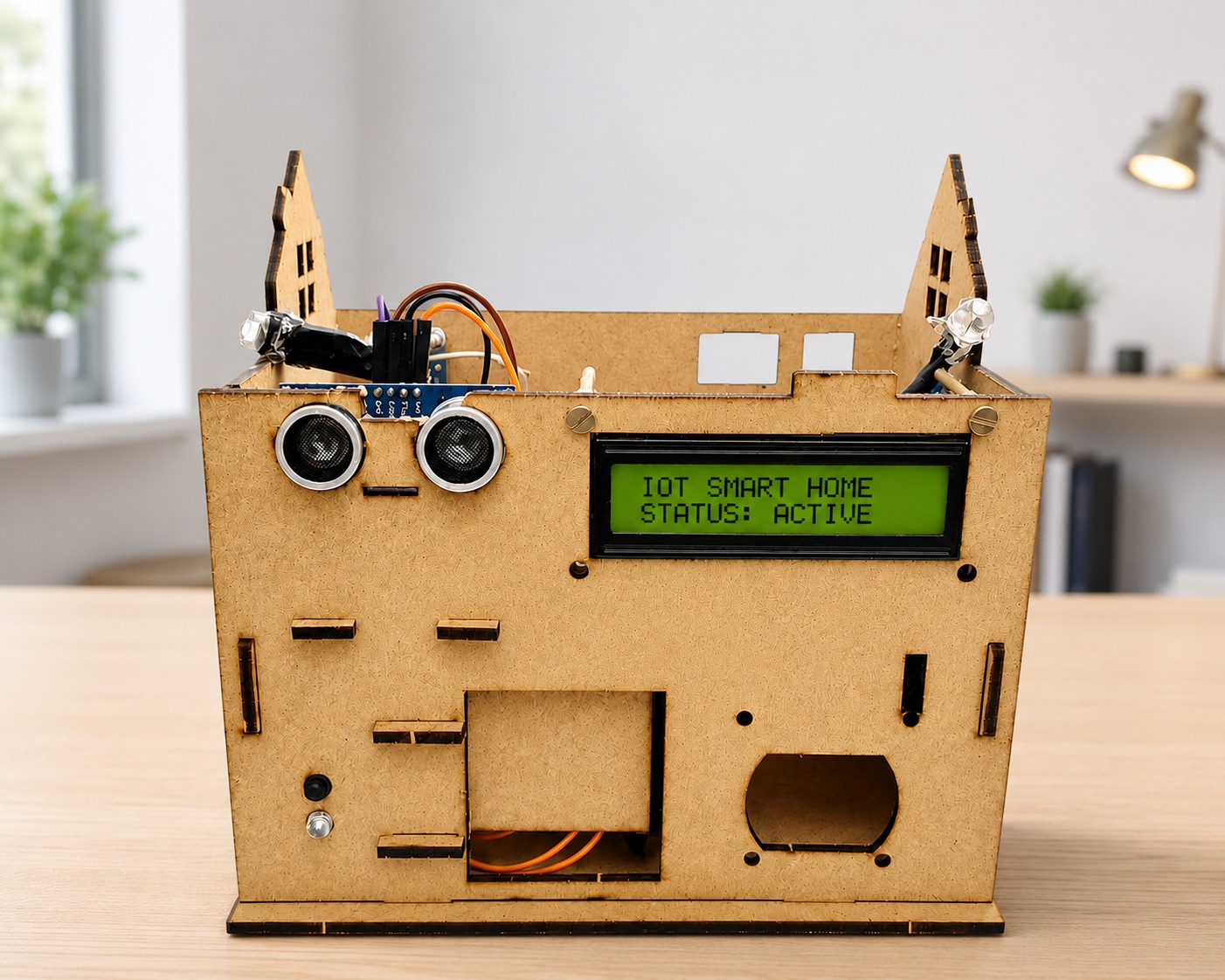
Check out our best products made to make learning fun, easy and super exciting for everyone.
Everything you need to know about Design Thinking Mastery
This course helps learners understand and apply the Design Thinking process — a creative problem-solving approach focused on empathy, ideation, prototyping, and testing to design innovative solutions.
Anyone interested in creativity, innovation, entrepreneurship, or problem-solving can join. It’s ideal for students, educators, professionals, and business owners looking to enhance their design and innovation skills.
You’ll learn how to empathize with users, define problems clearly, generate creative ideas, create prototypes, and test real-world solutions using a human-centered approach.
Learners will work on hands-on projects where they identify real problems and use design thinking methods to create innovative and practical solutions.
Yes! The course is designed to be easily understood by high school and college students, making it a great start to learning innovation and creativity.
The course includes both live and recorded sessions. Recorded lessons provide flexible, self-paced learning, while scheduled live classes enable real-time interaction, Q&A, and guided activities.
Yes, all participants will receive a certificate of completion once they successfully finish the course and submit their final project.
Yes. Post doubts in the Doubts section or during live classes; mentors reply asynchronously or schedule a live 1:1/Group session if a detailed discussion is required, and doubts are typically resolved within 24–48 hours.
Our academic counselors are available 24/7 to help you choose the right path for your career goals.
Your information is 100% secure with us.